

A junior designer on a project I watched once spent six hours fighting a node editor to get one glass material right. A tool built for the job would have given her a better result in ten minutes. Same building, wrong software.
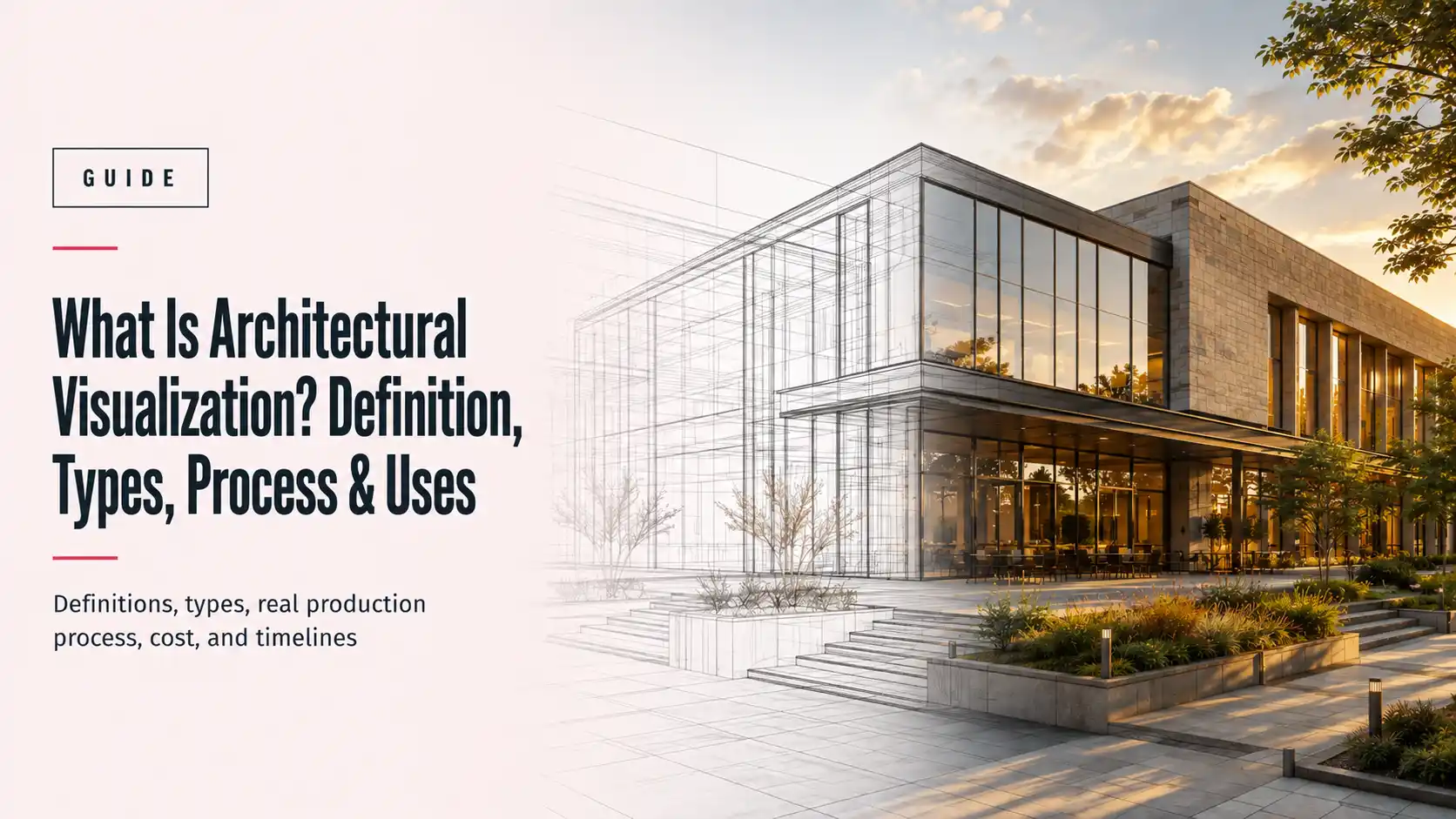
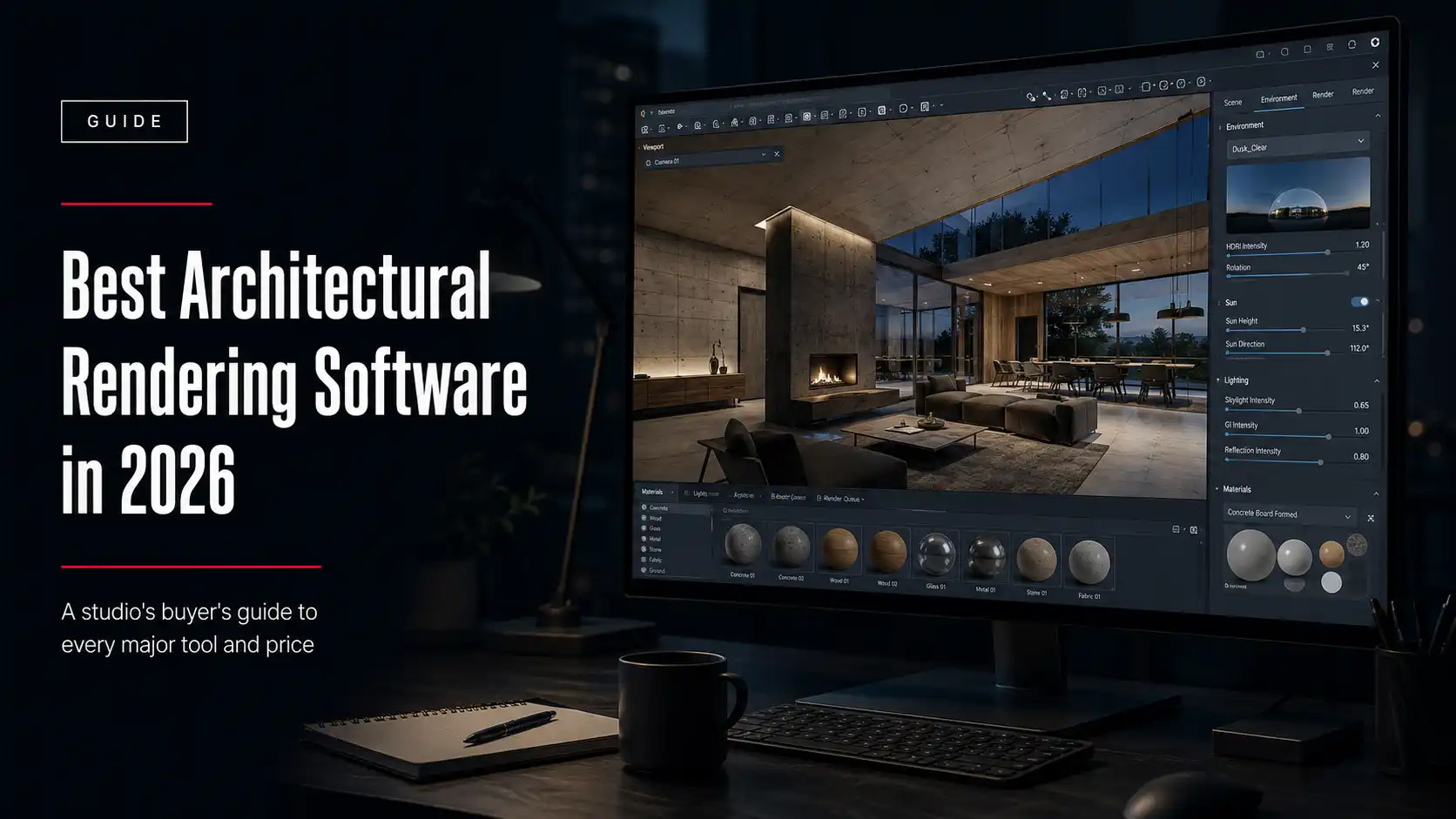
Architectural rendering software is a category of 3D visualization tools that model building geometry, apply materials and lighting, and generate photorealistic or real-time images and animations, so architects, developers, and rendering studios can present a project convincingly before a single brick is laid.
That’s different from CAD software like Revit or AutoCAD, which designs the building’s structure and systems. Rendering software takes that model and makes it look real.
The “architectural” part matters because, unlike product or game rendering, it needs deep material libraries for glass, stone, wood, and concrete, accurate daylight and artificial lighting simulation, and the ability to handle large-scale site context, not just a single hero object.
(Some of these same engines, V-Ray, Corona, and KeyShot among them, also render products and games. This guide covers how they perform for architecture and real estate specifically.)
The real decision isn’t which tool produces the single most beautiful image. It’s which one fits the pipeline your team already uses and the deadlines you actually have.
The best tool is the one that fits your pipeline.
What is architectural rendering software?
Every tool in this category handles three jobs in some combination: building or importing geometry, applying materials and lighting, and rendering the final image or animation.
Some programs do all three inside one package. Others are render engines that sit on top of a modeling tool you already own, plugging into Revit, SketchUp, Rhino, or Archicad rather than replacing it.
Pick the engine before you pick the price.
What are the different types of rendering software?
Three broad categories cover almost everything on the market, and each one trades speed for photorealism differently.
| Type | Can do | Cannot do | Examples |
| All-in-one 3D suite | Model, texture, animate, and render inside one program; full creative control | Match the raw speed of a dedicated real-time engine for live client walkthroughs | Blender, 3ds Max, Cinema 4D |
| Offline (biased) render engine | Produce the highest photorealism for hero marketing stills and print | Render in real time; expect minutes to hours per frame | V-Ray, Corona |
| Real-time render engine | Render and navigate a scene instantly, ideal for live design reviews | Always match an offline engine’s fine light and material accuracy for a print-grade hero shot | Lumion, Enscape, D5 Render, Twinmotion |
What are the best architectural rendering software options in 2026?
The ten tools below cover every budget and workflow we run into with architecture and real estate clients, from a free open-source suite to studio-grade render engines. Pricing is current for 2026.
1. Blender
Price: free, open source.
Blender is a full modeling, texturing, animation, and rendering suite with two built-in engines, Cycles for photorealism and Eevee for real-time preview. It’s the only tool on this list with zero licensing cost, which makes it a common starting point for smaller studios and freelancers.
The tradeoff is a steeper learning curve than the purpose-built archviz engines below, and it takes more manual setup to match their out-of-the-box lighting quality.
2. Autodesk 3ds Max
Price: around $1,945/year, subscription-only.
3ds Max remains the industry-standard modeling tool for architectural visualization studios, largely because it pairs so cleanly with V-Ray and Corona. It’s rarely anyone’s first purchase; most studios grow into it once they’re already committed to the Chaos rendering ecosystem and need a modeling tool built for the same pipeline.
3. V-Ray (Chaos)
Price: $540/year for a Chaos Solo license.
V-Ray is the most widely used photorealistic render engine in architectural visualization, with plugins for 3ds Max, SketchUp, Revit, Rhino, and more. It has the steepest learning curve of the major offline renderers, but also the deepest material and lighting control, which is why it’s still the default at most established studios.
4. Corona Renderer (Chaos)
Price: bundled into the same $540/year Chaos Solo license as V-Ray.
Corona is Chaos’s other renderer, built for 3ds Max and Cinema 4D, and it’s the one most artists reach for when they want V-Ray-level photorealism with a faster interactive preview and a gentler learning curve. Since one Chaos license now covers both, the real decision is workflow preference, not price.
5. Lumion
Price: roughly $499/year (standard) to $999–$1,149/year (Pro).
Lumion was built specifically for architecture and ships with an enormous library of trees, people, cars, and materials that make full-scene environments fast to populate. It renders in real time and exports finished animations quickly, which makes it popular for full walkthroughs rather than single hero stills.
6. Enscape
Price: roughly $575–$995/year per seat, depending on tier.
Enscape is a real-time plugin that runs directly inside Revit, SketchUp, Archicad, or Rhino, with almost no separate setup. That in-app workflow is its main selling point: a designer can flip into a photorealistic walkthrough without leaving the modeling software, which is why it’s become a default for design-development-stage visuals.
7. D5 Render
Price: free for non-commercial use; Pro is $360/year, Teams from $708/year per seat.
D5 Render is the newest name on this list and has grown fast in the archviz community by combining real-time speed with photorealism closer to an offline renderer than its real-time competitors. At roughly a third of Lumion’s Pro price, it’s become a common second engine even at studios already committed to Enscape or Lumion.
8. Twinmotion
Price: free for firms under $1 million in annual revenue; $445/seat/year above that.
Twinmotion is Epic Games’ real-time engine, built on Unreal Engine, and it’s especially strong at large-scale environments, like a full masterplan or streetscape, without the render times ballooning the way they would in an offline engine. The free tier for smaller firms makes it a low-risk way to trial real-time rendering before committing budget elsewhere.
9. KeyShot
Price: around $1,299/year for the Studio subscription.
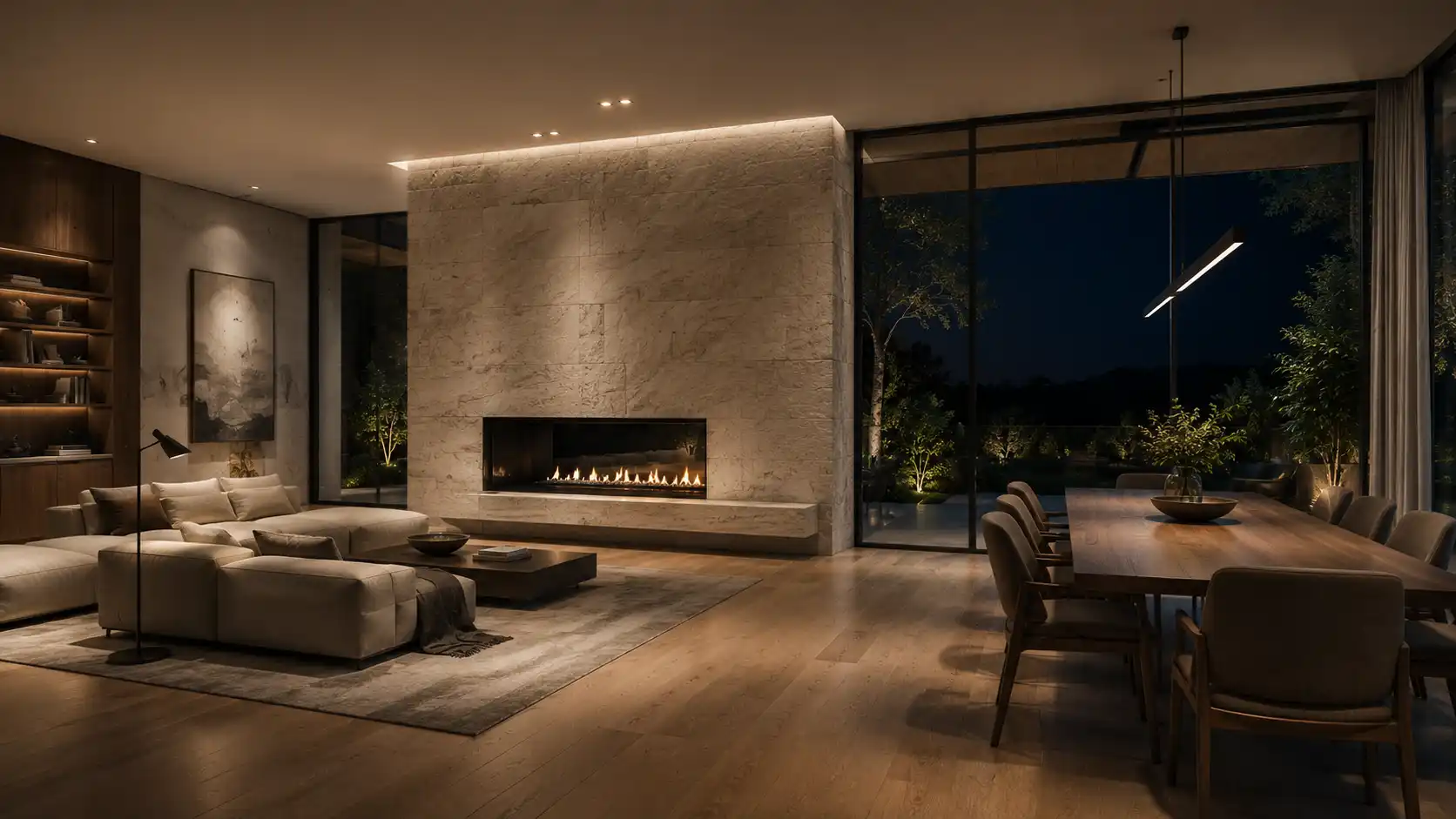
KeyShot is more commonly associated with product design, but it shows up in archviz work for interior detail shots and furniture-heavy scenes, where its fast, physically accurate lighting setup shines. It’s the most expensive tool on this list and the hardest to justify unless interior product-level detail is a regular part of the workload.
10. Cinema 4D (Maxon)
Price: around $839/year standalone, or $1,199/year in the Maxon One bundle.
Cinema 4D leans toward architectural animation and motion-graphics-heavy presentations rather than static hero images, and it integrates with Maxon’s Redshift render engine for the final output. Studios producing a lot of broadcast-style flythroughs or stylized animation reach for it more often than studios focused purely on photorealistic stills.
Real-time vs. offline rendering: which should you choose?
The honest answer is most working studios end up with both, but the use case decides which one you reach for on a given task.
Real-time engines win on speed and iteration. Offline engines still win on the fine light bounces and material accuracy that a jury or a planning board notices in a large printed image.
Use real-time to iterate, offline to close.
| Use case | Better fit |
| Live client walkthroughs and design reviews | Real-time engine (Enscape, Lumion, D5, Twinmotion) |
| Fast iteration during design development | Real-time engine |
| Print-grade hero marketing image or magazine cover | Offline engine (V-Ray, Corona) |
| Competition or tender submission images | Offline engine, or a real-time draft finished in an offline pass |
How much does architectural rendering software cost in 2026?
Costs range from nothing to over a thousand dollars a year per seat, and most working studios end up paying for more than one tool at once.
| Software | Pricing model | Approx. annual cost |
| Blender | Free, open source | $0 |
| 3ds Max | Subscription only | ~$1,945/year |
| V-Ray (Chaos) | Subscription (Chaos Solo) | ~$540/year |
| Corona Renderer (Chaos) | Bundled with V-Ray in Chaos Solo | ~$540/year |
| Lumion | Subscription, standard or Pro tier | ~$499–$1,149/year |
| Enscape | Subscription, per seat | ~$575–$995/year |
| D5 Render | Free (Community) or Pro subscription | $0–$360/year |
| Twinmotion | Free under $1M revenue; paid above | $0–$445/seat/year |
| KeyShot | Subscription | ~$1,299/year |
| Cinema 4D | Subscription, standalone or bundle | ~$839–$1,199/year |
A small studio running one modeling suite plus one real-time engine plus one offline renderer is realistically looking at $1,000–$3,000 per seat, per year, before hardware.
What should you look for when choosing rendering software?
Picking a tool off a best-of list is easy. Picking the one that survives contact with your actual deadlines is the harder part.
| What to check | Why it matters | Red flag |
| Compatibility with your modeling software | A render engine that doesn’t plug into Revit, SketchUp, Rhino, or Archicad adds a full re-export step to every project | “Works with everything” claims with no plugin list |
| Hardware requirements | Real-time engines lean on GPU power; offline engines lean on CPU or render farm access | No stated minimum specs |
| Licensing model | Per-seat subscriptions add up fast as a team grows | Vague “contact sales” pricing with no self-serve tier |
| Learning curve against your deadlines | A more powerful tool your team can’t use under time pressure isn’t actually faster | No free trial, no tutorials, no active community |
| Render speed at your typical scene size | Marketing demos rarely show a fully furnished, multi-room commercial interior | No published sample render times |
What are the challenges and limitations of rendering software?
No tool on this list eliminates the need for a skilled operator, and buying the most expensive one doesn’t guarantee better renders.
Hardware cost is the first hidden expense. Real-time engines lean hard on GPU power, and a workstation that handles a simple interior struggles on a fully furnished commercial lobby with a crowd of people and reflective surfaces.
License stacking is the second. Most working studios end up paying for a modeling suite, a real-time engine for client reviews, and an offline engine for final hero images, which adds up faster than any single tool’s price tag suggests.
The learning curve is real, and it’s steepest on exactly the tools that produce the best photorealism. V-Ray rewards years of material and lighting knowledge that a two-week trial won’t teach.
And the tool never replaces the artist. Two people using the same V-Ray license can produce wildly different results, because lighting, composition, and material choice are skills, not settings.
Software sets the ceiling. The artist decides how close you get to it.
Should you render in-house or outsource to a studio?
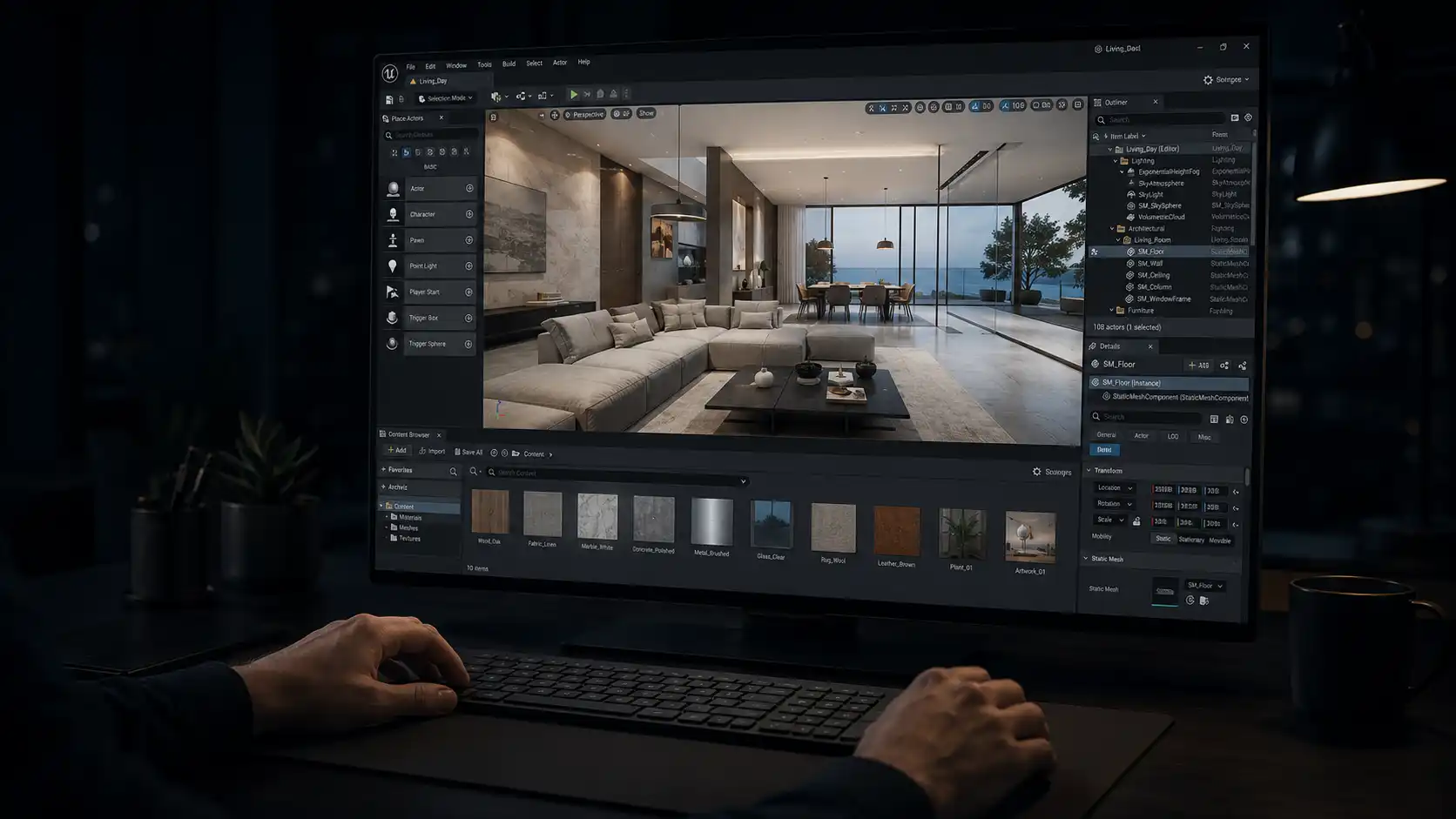
Buying the software only solves half the problem. The other half is who’s operating it, on what schedule, with what quality control behind every image.
A firm with steady, high-volume rendering needs and the budget for a trained operator can genuinely be better off owning the pipeline end to end. A firm with lumpy, deadline-driven demand, a tender this month and nothing next month, usually gets more consistent results from a studio that already has the license, the hardware, and the trained team in place.
We wrote a full breakdown of that decision, including real 2026 pricing and a vetting checklist, in How to Vet an Architectural Visualization Partner.
What is the future of architectural rendering software?
Real-time engines keep closing the photorealism gap with offline renderers, to the point where a well-lit Enscape or D5 Render scene now holds up in situations that used to require a full V-Ray pass.
AI-assisted tools are speeding up material generation, style transfer, and early concept passes, though hand-finished production is still the standard most firms hold to for client-facing, sales-grade imagery in 2026.
Cloud rendering is also lowering the hardware barrier, letting smaller studios rent GPU time for a heavy scene instead of buying a workstation that sits idle between projects.
FAQ
What is the best architectural rendering software for beginners?
Blender is the most accessible starting point since it’s free and has a huge tutorial community, though Enscape or D5 Render are easier to get a good-looking result from quickly if you already use Revit or SketchUp.
Is Blender good enough for professional architectural rendering?
Yes. Blender’s Cycles engine can produce professional-grade photorealistic renders, and a growing number of studios use it as their primary tool. The tradeoff is a steeper setup curve than purpose-built archviz engines like V-Ray or Corona.
What’s the difference between V-Ray and Corona?
Both are Chaos-owned offline renderers now bundled into the same Solo license. V-Ray has more granular control and a longer track record; Corona is generally considered faster to learn and quicker for interactive preview. Many studios use both.
Which rendering software is fastest for client walkthroughs?
Real-time engines built for architecture, Enscape, Lumion, D5 Render, and Twinmotion, render and navigate scenes instantly, making them the standard choice for live design reviews rather than offline engines like V-Ray.
How much does architectural rendering software cost per year?
Individual tools range from free (Blender, D5 Render Community, Twinmotion under $1M revenue) to roughly $1,945/year for 3ds Max. A small studio running a modeling suite plus a real-time and an offline engine typically spends $1,000–$3,000 per seat per year.
Do I need a powerful computer to run rendering software?
Real-time engines rely heavily on GPU power, so a mid-to-high-end graphics card matters more than a top-tier CPU. Offline engines like V-Ray lean more on CPU and benefit from render farm access for large or complex scenes.
Can I use rendering software instead of hiring a rendering company?
For simple, occasional renders, yes. For tender deadlines, high-volume work, or images that need to look consistently polished, most firms get more reliable results from a studio with a trained operator and quality control already in place.
What software do professional architectural rendering studios actually use?
Most established studios run 3ds Max or Blender for modeling, V-Ray or Corona for offline photorealistic stills, and a real-time engine like Enscape, Lumion, or D5 Render for client-facing walkthroughs, rather than relying on a single tool.
Is Enscape or Lumion better for architecture?
Enscape plugs directly into Revit, SketchUp, Archicad, or Rhino with almost no setup, which favors design-development-stage work. Lumion ships with a larger built-in asset library and tends to favor full-scene environmental walkthroughs. Neither is objectively better; the choice usually comes down to which modeling software you already use.
What is real-time rendering vs. offline rendering?
Real-time rendering generates and updates an image instantly as you navigate a scene, trading some photorealism for speed. Offline (biased) rendering calculates light bounces and materials in far more detail, taking minutes to hours per frame in exchange for higher photorealism.
Does rendering software work with Revit and SketchUp?
Enscape, V-Ray, and Lumion all offer direct plugins for Revit and SketchUp. Corona currently supports 3ds Max and Cinema 4D, with a Blender plugin in development. Always confirm plugin support for your specific modeling software before buying.
Is there free architectural rendering software?
Yes. Blender is free and open source with no restrictions, D5 Render’s Community tier is free for non-commercial use, and Twinmotion is free for firms under $1 million in annual revenue.