

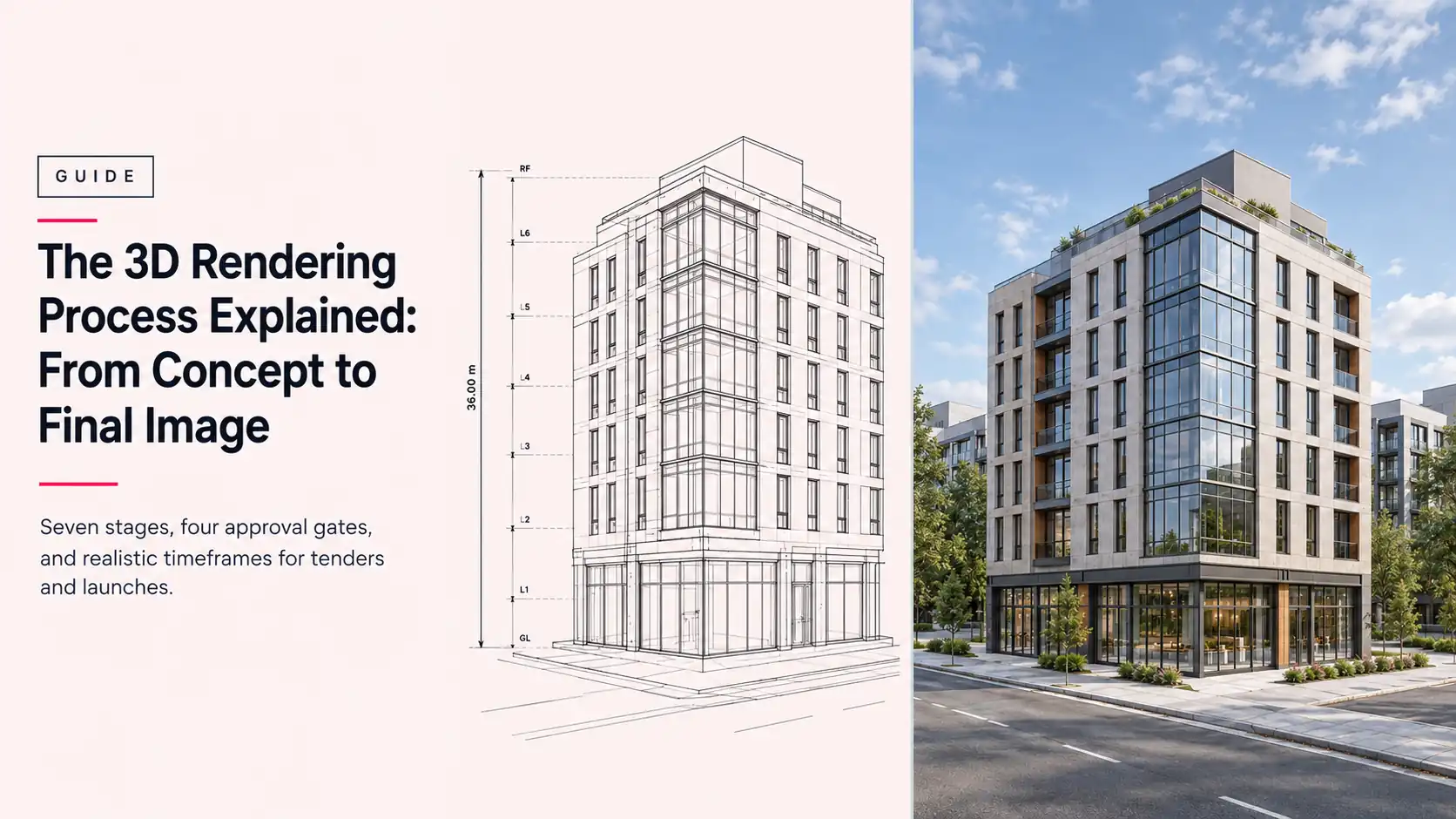
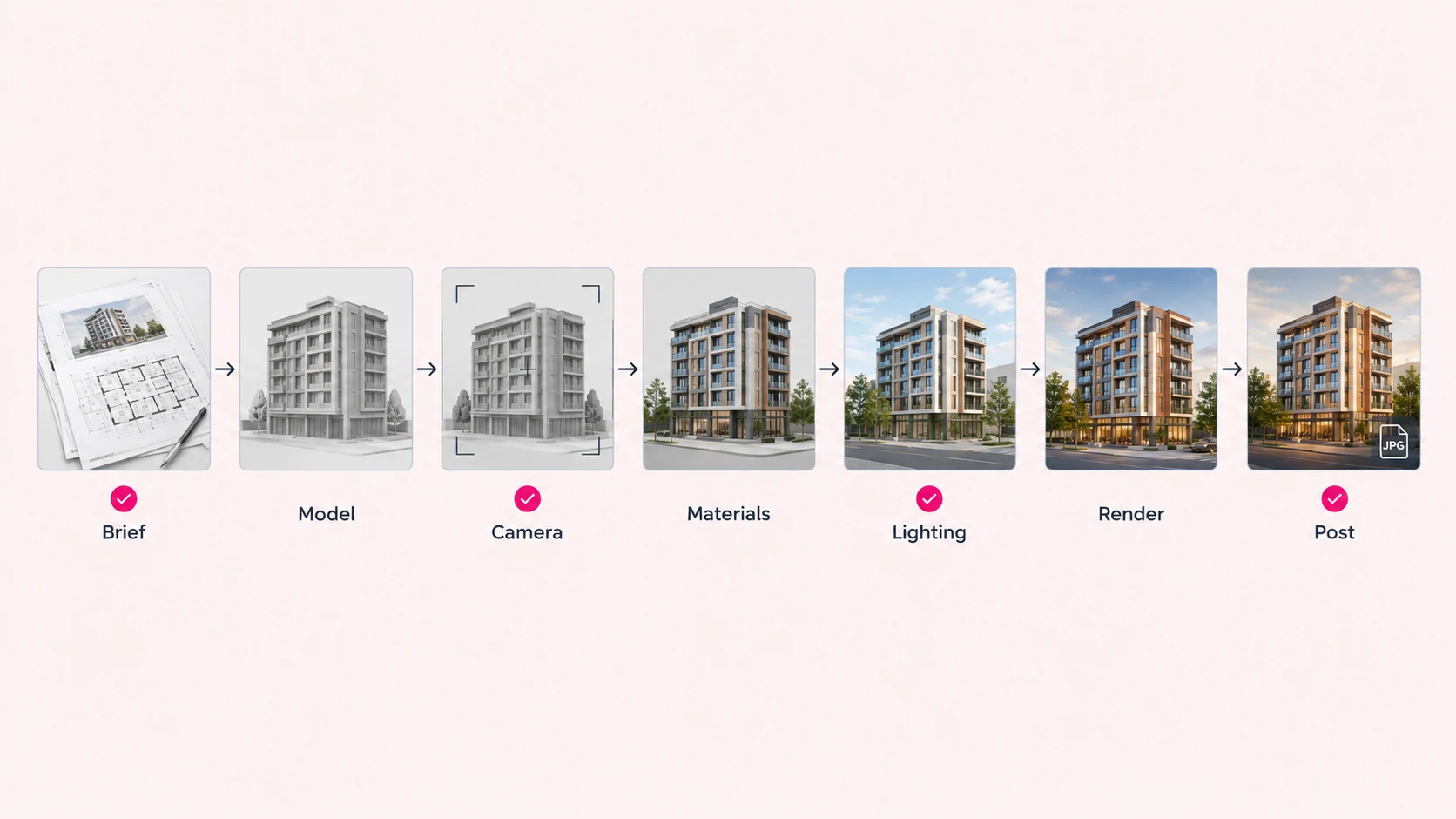
The 3D rendering process explained in short: it is a staged workflow that turns drawings and references into a photorealistic image by modeling the scene, applying materials and light, and rendering the frame. For architectural work it runs in seven stages: brief, modeling, camera, materials, lighting, rendering, and post-production, with client approvals placed between them so mistakes get caught while the fix is still small.
Most guides describe those stages from the software’s side. This 3D rendering process explained from your side of the table covers what you send, what you approve, what a change costs at each point, and how to plan backward from a tender or launch date. It’s written for developers, contractors, and architects who commission renders and want to know what happens between sending a brief and receiving final files. Our own architectural rendering services follow this same sequence, and where we state timeframes or revision terms below, they’re ours.
(In games and real-time graphics, “rendering” also means drawing each frame live. This guide covers architectural still-image production.)
The process is simple. Skipping steps in it is what gets expensive.
3D Rendering Process Explained: What Is It?
3D rendering is the step that calculates a two-dimensional image from a three-dimensional scene. The 3D rendering process is everything around that calculation: the inputs that define the scene, the stages that build it, and the approvals that keep it on target. Rendering itself is only one of seven stages.
The distinction matters because three terms get used interchangeably, and each covers different work. Here’s how they separate.
| Term | What it covers | What it does not cover |
|---|---|---|
| 3D modeling | Building the geometry of a building, room, or site | Materials, lighting, or producing the final image |
| 3D rendering | Calculating the final 2D image from the finished scene | Creating the model or deciding the design |
| 3D visualization | The whole discipline: modeling, rendering, animation, and virtual tours | Any single stage on its own |
So when a studio says the render will be ready in a few days, ask which stages that covers. The render is the last click. The process is the work that makes the click worth trusting.
What Are the Seven Stages of the 3D Rendering Process?
The 3D rendering process explained in seven stages runs in a fixed order because each one builds on the one before it. Read the “You provide or approve” column first. It shows where your input is needed and, by extension, where delays come from.
| Stage | What happens | You provide or approve | Common software |
|---|---|---|---|
| 1. Brief and source files | Studio reviews your drawings, models, and references, then confirms scope, views, and deadline | You provide: drawings, 3D files, references, view list | AutoCAD, Revit, SketchUp, Rhino (your side) |
| 2. Modeling | Scene is built or refined from your files and checked against the drawings | You approve: the clay (grey) render | Revit, SketchUp, Rhino, 3ds Max, Blender |
| 3. Camera and composition | Each view is framed by height, lens, and crop | You approve: camera angles, together with the clay render | Same modeling software |
| 4. Materials and textures | PBR materials are applied and mapped to surfaces | You review: the colored proof | Substance 3D, render engine libraries |
| 5. Lighting | Time of day, sun, sky, and interior lights are set | You review: lighting on the colored proof | V-Ray, Corona, Cycles |
| 6. Rendering | The engine calculates the final images | Nothing. This is machine time | V-Ray, Corona, Cycles, Unreal Engine, Twinmotion |
| 7. Post-production and delivery | Exposure, color, and entourage are finished and files are exported | You approve: the final images | Photoshop, After Effects |
Four of the seven stages need a decision from you: the brief, the clay render, the colored proof, and the final images. The other three are production work. That split shapes everything else in this guide.
That is the 3D rendering process explained in one line: four decisions, three production stages.
Stage 1: What Do You Need to Send Before Rendering Starts?
The brief and source files are the inputs the whole process depends on. A studio can only be as accurate as the material it receives, so this stage sets the ceiling for everything that follows.
Send as much of the following as you have:
- Drawings: plans, elevations, and sections, in DWG, PDF, or your native format.
- 3D files, if they exist: Revit, SketchUp, Rhino, or 3ds Max models, plus any IFC or STEP exports.
- Site context: survey data, the site plan, neighboring buildings, and landscape intent.
- Materials and finishes: a finish schedule, product codes, or sample images for facades, flooring, and fixtures.
- References: mood images, projects you like, and anything you want avoided.
- Views: how many images you need, which viewpoints, and whether they’re interior or exterior. Or ask the studio to propose them.
- Output requirements: resolution, aspect ratio, file format, and where the images will be used.
- Deadline and contact: the date you need final files and the one person who will consolidate feedback.
With that in hand, the studio confirms scope, views, and delivery date before modeling begins. Files usually arrive through shared cloud storage, and one named decision-maker on your side keeps feedback consistent.
A complete brief is the lowest-cost speed-up there is.
Stage 2: How Is the 3D Model Built and Checked?
Modeling turns your drawings into a three-dimensional scene. If you already have a Revit, SketchUp, or Rhino model, the studio imports and cleans it. If you don’t, it’s rebuilt from your CAD drawings, and our architectural 3D modeling services cover that build.
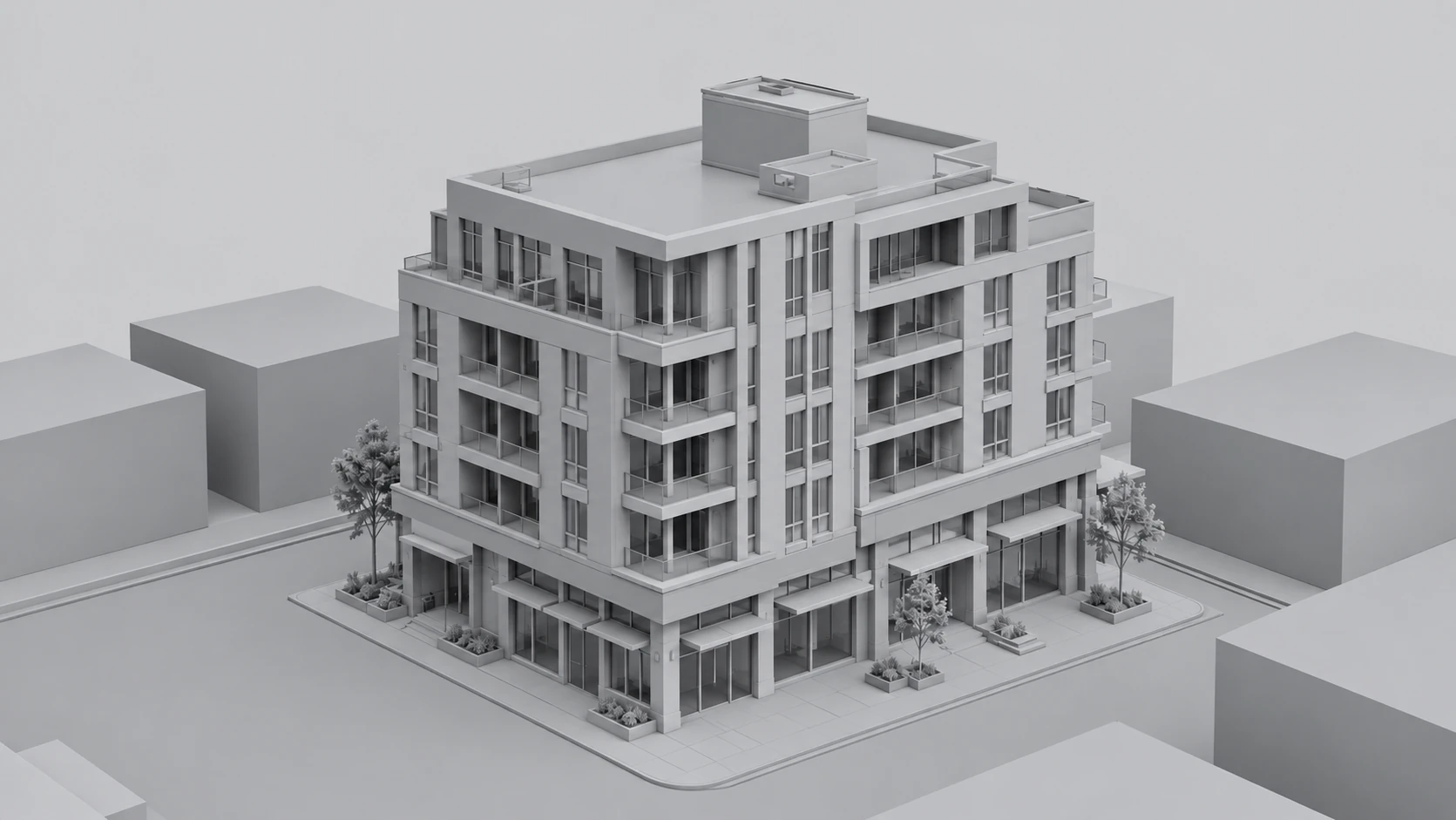
Most studios begin with a whitebox: simple massing with no detail, used to check proportions and layout. That progresses to a clay render, an untextured grey image of the full model under neutral lighting. The grey is deliberate. With no color or texture to distract you, form, proportion, and camera angle can be judged on their own.
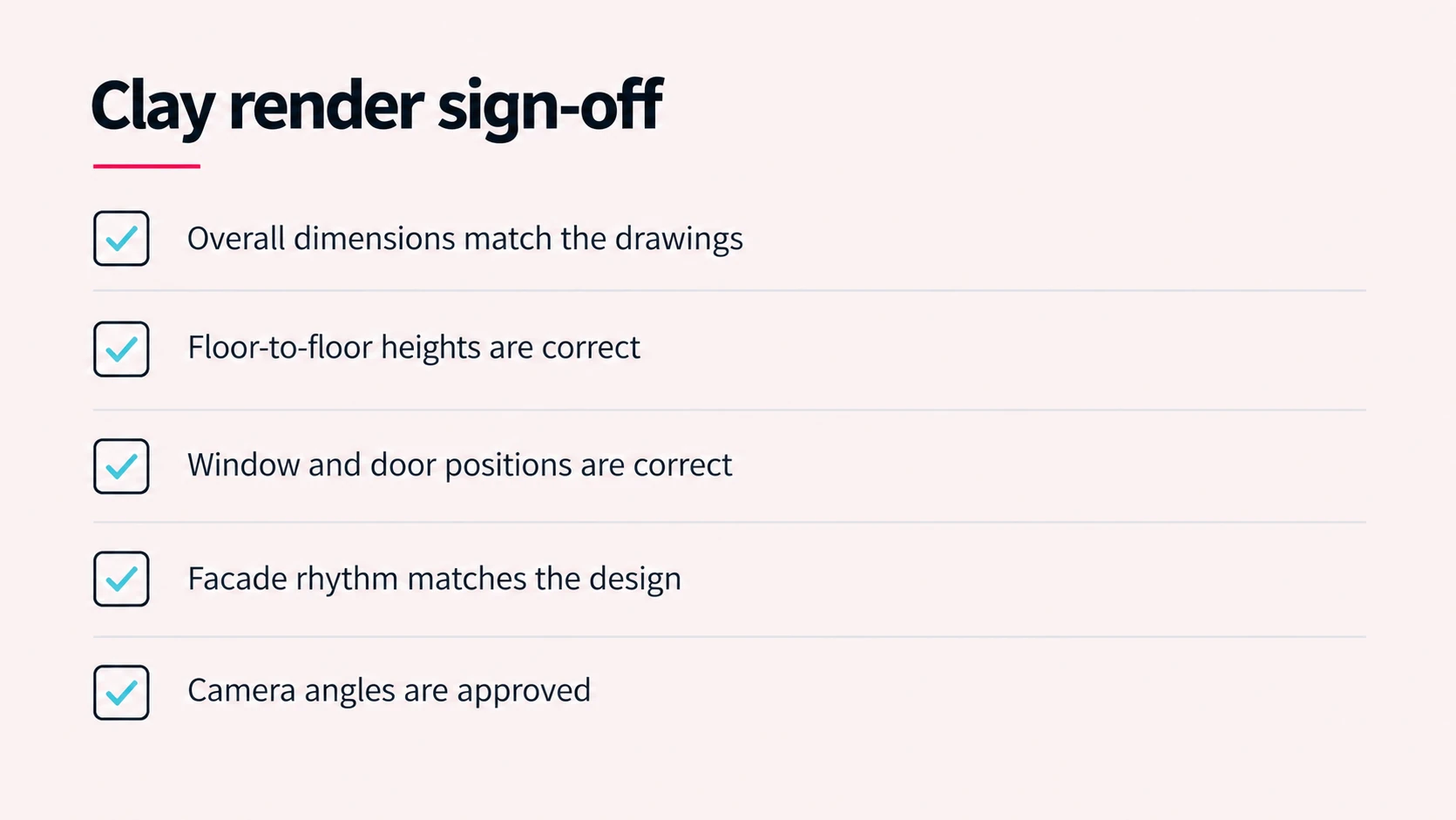
This is also the moment to check the model against your drawings. Overall dimensions, floor-to-floor heights, window and door positions, and facade rhythm should all match the documents. A wrong storey height caught now costs a small model edit. Caught after materials and lighting, it costs both, plus a re-render.
Common tools at this stage include Revit, SketchUp, Rhino, 3ds Max, and Blender. The clay render is your first review of the work itself, and at Archvizly it’s approved before any material is applied.
Approve the grey before you see the color.
Stage 3: How Are Camera Angles Chosen and Locked?
Camera work decides what the image shows and what it hides. Each view is framed by height, lens, and crop, and those choices change how large a building feels and which details get seen.
Exterior views are usually set near eye level, roughly 1.6 to 1.7 metres, because that’s how a pedestrian meets the building. Aerial views show massing and context. Interiors typically use a wider lens from a corner, with vertical lines kept straight so walls don’t appear to lean.
The cameras are approved together with the clay render, and they’re locked from that point. That’s deliberate. Materials, lighting, and entourage (the people, trees, vehicles, and furniture that populate a scene) are all tuned to what’s visible from a specific viewpoint. Moving the camera afterward means re-checking every one of them.
Lock the camera early.
Stage 4: How Do Materials and Textures Get Applied?
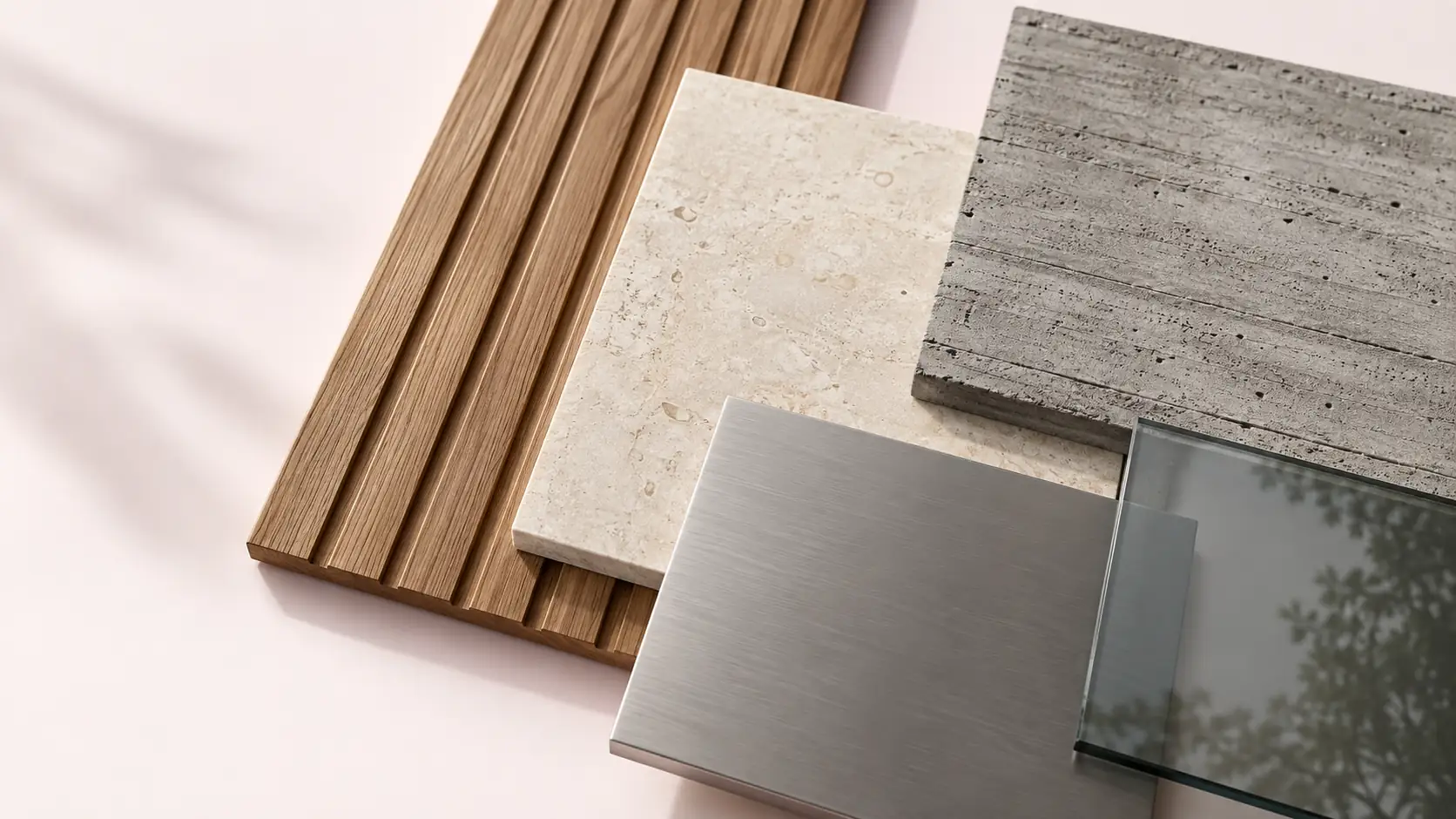
Materials give each surface its color, reflectivity, and physical character. Modern renders use physically based rendering (PBR), which describes a surface by properties such as base color, roughness, and metalness so that timber, glass, and concrete respond to light the way they do in real life.
Two details decide how believable this stage looks. The first is UV mapping, which controls how a flat texture image wraps onto a 3D surface. Poor mapping shows up as stretched grain on timber cladding or brickwork that repeats in obvious patterns. The second is scale, because a stone texture at the wrong size reads as a different stone.
Adobe’s guide to 3D rendering shows how PBR textures hold up under different lighting.
Send a finish schedule or product codes if you have them. A studio matching your specified facade panel is doing technical work. A studio guessing at “light grey stone” is doing interpretation, and your review comes back with more changes.
The result reaches you as a colored proof: the same views as the clay render, now with materials and first-pass lighting. Substance 3D is a common tool for texture authoring, alongside the material libraries built into the render engine.
Specify the finish once, at the start.
Stage 5: How Does Lighting Work in a Render?
Lighting sets time of day, weather, and mood. For exteriors that means sun position and sky. The sky is often driven by an HDRI, a high dynamic range image of a real sky that lights the whole scene. For interiors it means the balance between daylight through openings and artificial fixtures.
Lighting is also where consistency is won or lost. A set of views for one project should share a lighting condition, so a sales gallery doesn’t show the same tower at noon in one image and under overcast dawn light in another. Decide the time of day and weather with the brief, and restate them when you comment on the colored proof.
Lighting is reviewed together with materials, since each changes how the other reads. Render engines such as V-Ray, Corona, and Cycles handle the physical behavior of light.
Light sets the mood the design can’t.
Stage 6: How Does the Render Engine Produce the Final Image?
The render engine is the software that calculates the image. It takes the model, materials, lights, and camera, then works out the color of every pixel. For a single high-resolution architectural still, that calculation can take anywhere from a few minutes to several hours, depending on scene complexity, resolution, and hardware.
Studios split heavy work across multiple machines, called a render farm, so many frames or large images finish in parallel. That matters most for animation, where hundreds of frames are needed. Engines can also output render passes: separate layers for reflections, shadows, ambient occlusion, and object IDs. Post-production uses those layers to adjust an image without a full re-render.
There’s no client approval inside this stage. It’s machine time, which is exactly why every decision has to be locked before it starts.
What happens inside the render engine?
Most architectural engines use ray tracing or its fuller form, path tracing. Both follow the paths of simulated light rays through the scene to work out how surfaces are lit, reflected, and shadowed, which is why the results look physically plausible. The technique is described in detail in Wikipedia’s entry on rendering in computer graphics).
Path tracing samples many light paths per pixel, so early images look grainy and clear up as the sample count rises, with a denoiser cleaning the remainder.
Rasterization is the faster alternative. It projects geometry directly onto pixels and approximates lighting, which is how game engines draw images instantly. Real-time engines such as Unreal Engine, Twinmotion, Lumion, and Enscape trade some accuracy for speed. Offline engines such as V-Ray and Corona calculate each frame more fully and take longer.
On hardware, GPUs render quickly in many engines, while CPUs can handle very large scenes that exceed graphics memory. That choice belongs to the studio, and it rarely changes what you approve.
Stage 7: What Happens in Post-Production and Delivery?
Post-production is the finishing pass on the rendered image. It corrects exposure, grades color, adds atmosphere, and composites entourage such as people, vegetation, and sky where the render didn’t include them. Render passes let the artist tune reflections or shadows without re-rendering.
Delivery is the handoff. Stills are typically delivered as JPEG or PNG, with layered or high dynamic range formats such as EXR available when your team needs to grade or composite further. Animations go out as MP4. Agree resolution, aspect ratio, and file naming before the project starts so files drop straight into your presentation, tender pack, or campaign.
You approve the final images against the colored proof you already signed off. Anything on the final that wasn’t on the proof deserves a comment. Anything new you’d like added is a new requirement. Photoshop handles most still-image finishing, and After Effects handles motion.
Final files should hold no surprises.
Where Do Client Approvals Happen in the 3D Rendering Process?
Approvals are the gates that stop a mistake in one stage from being built into the next. There are four, and each one locks something.
| Gate | What you approve | What gets locked |
|---|---|---|
| 1. Brief confirmed | Scope, number of views, source files, and deadline | The baseline every later change is measured against |
| 2. Clay render | Geometry, proportions, and camera angles | The model and the cameras |
| 3. Colored proof | Materials, lighting, time of day, and entourage | The look of the image |
| 4. Final images | Resolution, color, and delivered files | The deliverable |
Across the 3D rendering process explained above, Archvizly includes two revision rounds at each milestone, and revisions that respond to your feedback carry no extra cost. A round is one consolidated set of comments. Send it as a single document from one decision-maker rather than a trickle of emails from five people, because a scattered round burns time and invites conflicting instructions.
It also helps to know which work is internal. Model cleanup, test renders, and lighting adjustments happen between gates without your involvement. You’re asked to decide only where a decision changes what comes next.
Revisions respond to what’s on screen: move this light, change that material. New requirements add something the brief didn’t include, such as another view, a redesigned facade, or a different building height. Feedback revisions are covered. New requirements are quoted based on the work they add.
Feedback is included. New scope is priced.
What Does a Change Cost at Each Stage of the 3D Rendering Process?
Every stage builds on the one before it, so a change costs more the further downstream it lands. The table shows where the same request goes from a quick edit to significant rework.
| Change | Low cost when | High cost when | Why |
|---|---|---|---|
| Camera position | At the clay render | After lighting is set | Materials, lighting, and entourage were tuned to the old view |
| Building geometry (heights, openings, facade) | At the clay render | After materials and lighting | Textures, mapping, and lighting all need re-checking, and the scene re-renders |
| Material or finish | On the colored proof | After the final render starts | The affected surfaces are re-textured and re-rendered |
| Time of day or weather | On the colored proof | After the final renders | Every shadow and reflection changes, so each view re-renders |
| Color and exposure tweaks | At any point, using render passes | Rarely costly | Handled in post-production without a re-render |
| An extra view | Early, as a scoped addition | Late in the schedule | It’s a new requirement, quoted separately, and it needs its own pass through the stages |
The pattern is consistent: geometry and cameras first, materials and lighting second, polish last. That order is why the clay render matters so much, and why it deserves a proper review instead of a skim. For how scope maps to price, see our pricing page.
Change early, or pay to redo.
How Long Does Each Stage of the 3D Rendering Process Take?
Studio production time for a single still image typically runs three to five business days once the brief is complete. Complex scenes, multiple views, or extra requirements take longer, so the range depends on the project’s complexity and requirements.
Three clocks run at once on any project: studio production, machine render time, and your own review time. Quoted timelines usually count only the first, which is why a schedule that looks like five days can stretch when feedback arrives late. Our guide to how long 3D rendering takes breaks these down by project type.
Where the time goes differs by stage. Modeling takes the most effort when you’re starting from drawings rather than a finished model. Materials and lighting take longer as the number of views and the level of detail rise. Rendering time scales with resolution and scene weight. The review turns between gates depend entirely on how quickly your team responds.
What moves a schedule most is the complexity of the building or interior, the completeness of the inputs, the number of views, the speed of feedback, and whether the output is a still or an animation. Animations are measured in weeks, not days.
Plan for the review time, not just the render time.
How Do You Back-Plan the 3D Rendering Process From a Tender or Launch Deadline?
Back-planning means starting from the date the images must be in your hands and counting backward through each stage and each of your own review turns. It’s the method that keeps tender submissions and sales launches from depending on luck.
The example below is illustrative. It assumes a single still that takes the full five business days of production, plus two one-day review turns on your side (one for the clay render, one for the colored proof), with a submission due on a Friday.
| Working days before submission | What happens |
|---|---|
| D-0 (Friday) | The submission goes out |
| D-2 | Final images are approved and in hand, leaving two days for layout and packaging |
| D-9 | Latest date production can start: five business days of production plus two review turns |
| D-10 | Brief and source files are complete, with one day of buffer for questions |
Change the numbers to fit your project. A three-day production window pulls D-9 in to D-7. Adding views or an animation pushes it out. The structure stays the same: submission date, packaging time, review turns, production window, brief complete.
Tender packages are where this matters most, because the deadline can’t move and accuracy is assessed. Our commercial rendering services are built around that kind of fixed-date work.
Launch campaigns have the same shape with a different deadline. Off-plan sales events, sales gallery openings, and press dates all fix the delivery date. Our guide to off-plan property marketing covers how developers sell units before construction finishes.
Count backward from the deadline, always.
How Does the 3D Rendering Process Change by Project Type?
The seven stages hold for every project type. What changes is where the effort concentrates.
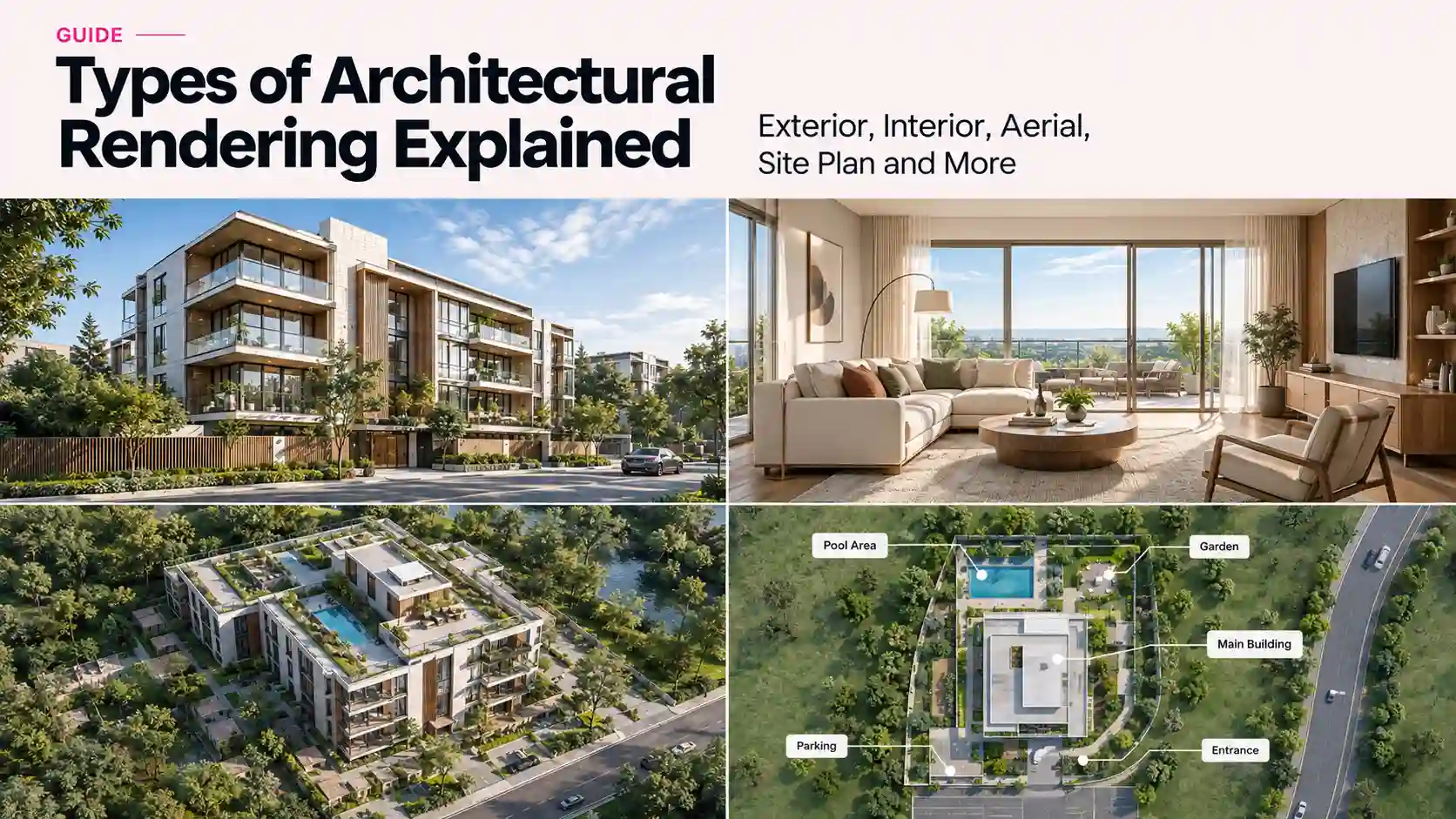
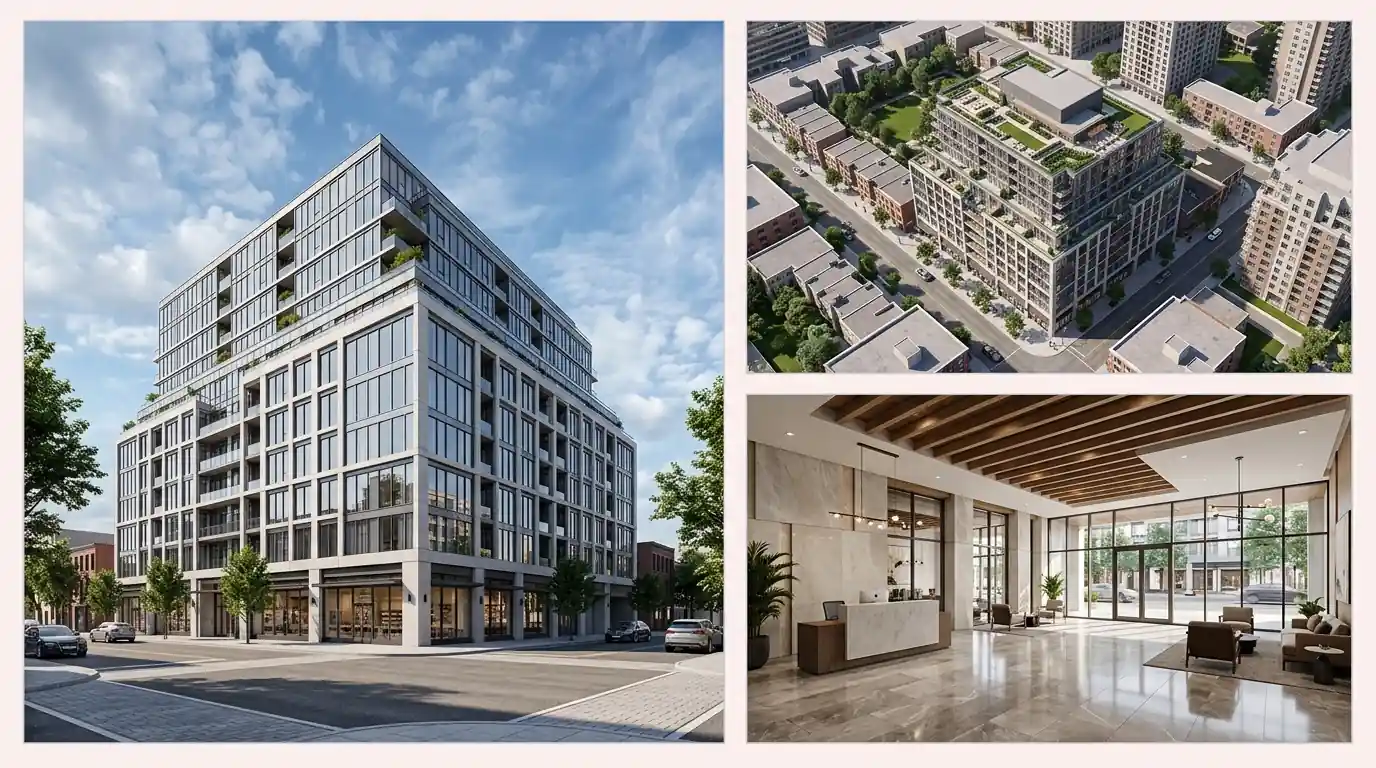
Exterior renders
Exterior work leans on context: the site, neighboring buildings, landscape, sky, and entourage. Modeling and lighting carry most of the effort, and time of day is the biggest look-and-feel decision. Our exterior rendering services follow the full sequence, with the clay render approved before materials.
Interior renders
Interiors concentrate on materials, furniture and fixtures, and the balance of daylight and artificial light. Because finishes are visible at close range, material accuracy and UV quality matter more here. Our interior rendering services work from your finish schedule and furniture selections to keep this stage accurate.
Aerial and site views
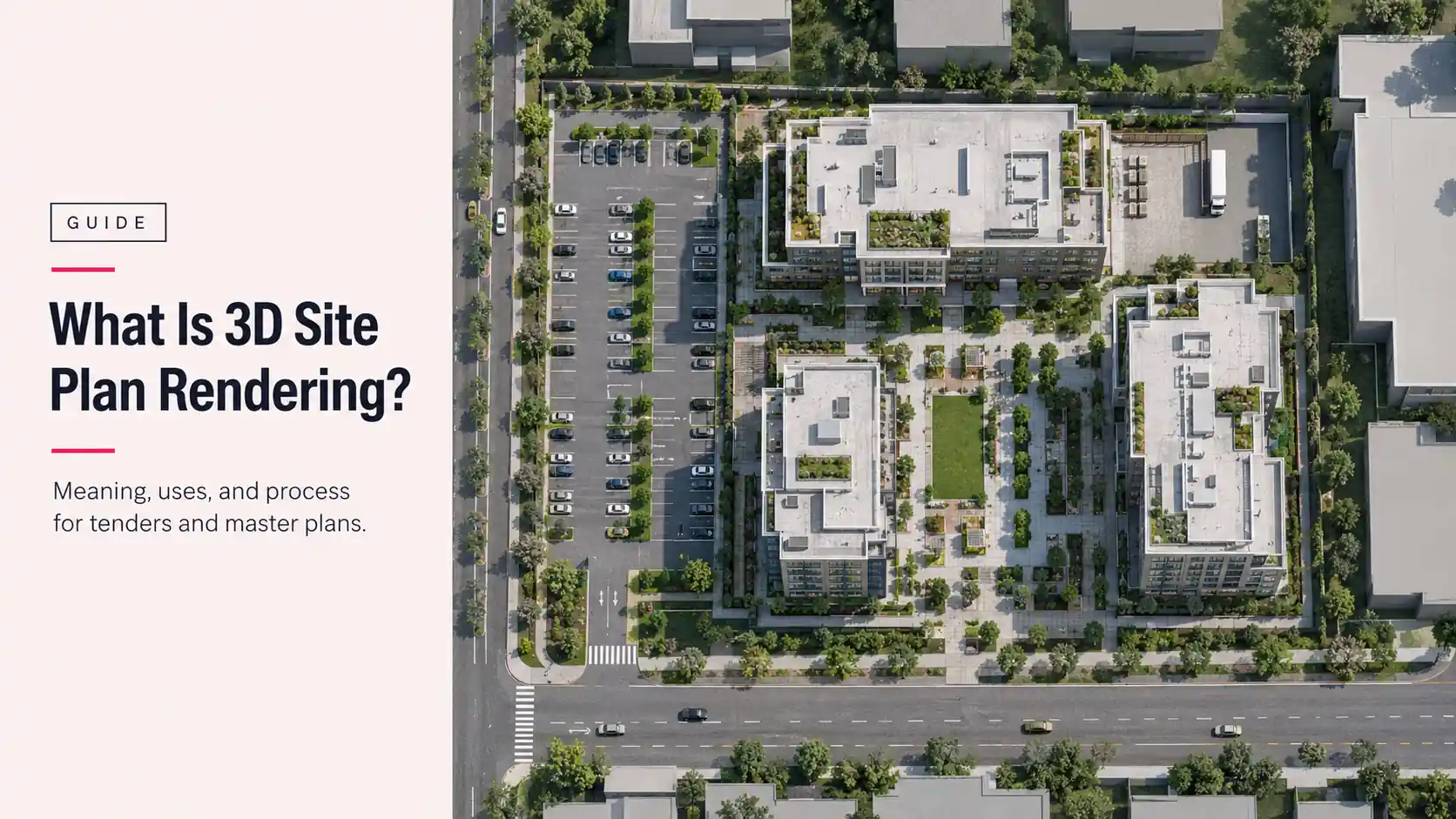
Aerial and site plan views show a project in its surroundings, so the modeling effort shifts to terrain, roads, neighboring massing, and landscape at scale. Accuracy of the site context matters most. Our aerial view 3D rendering services cover this type.
Animation and walkthroughs
Animation adds a timeline. Camera paths, timing, and hundreds of frames replace a single view, and render time multiplies, which is where render farms earn their place. Walkthroughs can be produced with real-time engines for interactive review or offline engines for maximum image quality.
Chaos’s guide to real-time versus offline rendering explains that trade-off in detail.
Photomontage and photo matching
Photomontage places a rendered building into a real photograph. The extra step is matching the photograph’s perspective, light, and shadow so the model sits believably in the frame. It’s standard for property marketing, and our real estate rendering services cover it alongside launch imagery.
How Does the 3D Rendering Process Work With a White-Label Partner?
A white-label partner runs the same seven stages behind your name. Archvizly works as your confidential production team: your client relationship stays yours, and your name goes on the final work.
Three things change in practice. Your own approval chain sits on top of the four gates, so build your client’s review time into the schedule. Files follow your conventions, including naming, folder structure, and how comments are marked up. And there’s a single point of contact on each side, so feedback and questions don’t split across several inboxes.
When you’re weighing a partner, the process above works as a checklist. Do they show a clay render before materials? Do they name the approval gates? Do they state what is and isn’t a revision? Our guide on how to vet an architectural visualization partner covers the questions worth asking.
What Are the Most Common Mistakes in the 3D Rendering Process?
Most schedule and budget problems trace back to a short list of avoidable mistakes. Each one has a fix that costs far less than the mistake.
- Sending an incomplete brief. Missing drawings, no finish schedule, no view list. Fix: work through the Stage 1 list and confirm scope before modeling starts.
- Supplying a low-quality or incomplete model. Gaps and errors in a source model get built into every later stage. Fix: send drawings alongside the model so it can be checked against them.
- Skimming the clay render. Grey images look unfinished and feel safe to wave through. Fix: review it against the drawings, since geometry and cameras are locked here.
- Changing the camera late. A new view after lighting means re-tuning materials and light. Fix: settle views at the clay stage and request extra views as new scope.
- Feedback from many people at different times. Conflicting comments cost rounds. Fix: name one decision-maker and send one document per round.
- Changing the design mid-production. A redesigned facade sends the model back to the start, and that’s new scope, not a revision. Fix: freeze the design before the brief, or plan a new pass.
- Planning only for render time. The schedule ignores review turns and packaging. Fix: back-plan from the deadline as shown above.
The clay render mistake costs the most, because everything downstream inherits it.
Where Does AI Fit in the 3D Rendering Process?
AI tools now sit at the edges of the process, not the middle. Denoisers clean up grainy path-traced images, upscalers add resolution, and image generators can produce quick concept visuals before any model exists.
What they don’t do is read your drawings and hold to them. A generated image can look convincing while a floor height, window count, or facade module is wrong. Tender packages and sales imagery need dimensions that match the documents, and that accuracy comes from a modeled scene, not from an image generator.
Use AI for early ideas and finishing help. Use the 3D process for anything that has to match the drawings.
FAQ: 3D Rendering Process Questions
What is included in the 3D rendering process?
The process has seven stages: brief and source files, modeling, camera and composition, materials and textures, lighting, rendering, and post-production with delivery. Four of them need a decision from you: the brief, the clay render, the colored proof, and the final images.
How long does the 3D rendering process take?
A single still typically takes three to five business days of studio production once the brief is complete. Complexity, the number of views, extra requirements, and how quickly you give feedback all move that figure, and animations take weeks.
Why are clay renders necessary?
A clay render shows geometry, proportions, and camera angles in neutral grey, before any material can hide a mistake. Approving it first means errors are corrected while a fix is still a small model edit instead of a re-textured, re-lit re-render.
What files do I need to send to start a rendering project?
Send drawings (plans, elevations, sections), any 3D models such as Revit, SketchUp, or Rhino files, site context, a finish schedule or material references, and your list of views. Add your deadline, output size, and the name of the person who will approve.
Can any stage of the rendering process be skipped?
Not without moving risk downstream. Skipping the clay approval, for example, means geometry and camera errors only appear after materials and lighting are applied, when they cost the most to fix. A stage can be lighter on a simple project, but it shouldn’t be skipped.
How many revisions are included in the rendering process?
Archvizly includes two revision rounds at each milestone, and revisions based on your feedback carry no extra cost. New requirements, such as an extra view or a design change, are quoted based on the work they add.
Does AI replace the 3D rendering process?
Not for work that has to match drawings. AI helps at the edges with denoising, upscaling, and early concepts, but tenders and sales imagery still depend on a modeled scene built from your documents.
Should I do 3D rendering in-house or use a studio?
In-house suits steady, predictable volume where you can keep software, hardware, and skilled artists busy. A studio suits peaks, tight deadlines, and mixed project types, because you add production capacity when a submission or launch needs it and don’t carry it the rest of the year.
What Should You Check Before You Brief a Studio?
Use this list to make sure your brief and your plan are ready before the clock starts.
- Drawings and 3D files are complete and current.
- A finish schedule or references cover the main materials.
- The views are listed, or you’ve asked the studio to propose them.
- Time of day and weather are decided for the whole set.
- Output size, format, and usage are stated.
- One person owns feedback and approvals.
- Your schedule is back-planned from the deadline, including your own review turns.
- You know what counts as a revision and what counts as new scope.
A prepared brief is what makes the 3D rendering process explained here fast in practice. If you want a production partner that works this way, send your drawings and target dates and we’ll come back with a clear production plan and pricing for your timeline. Get a quote.