
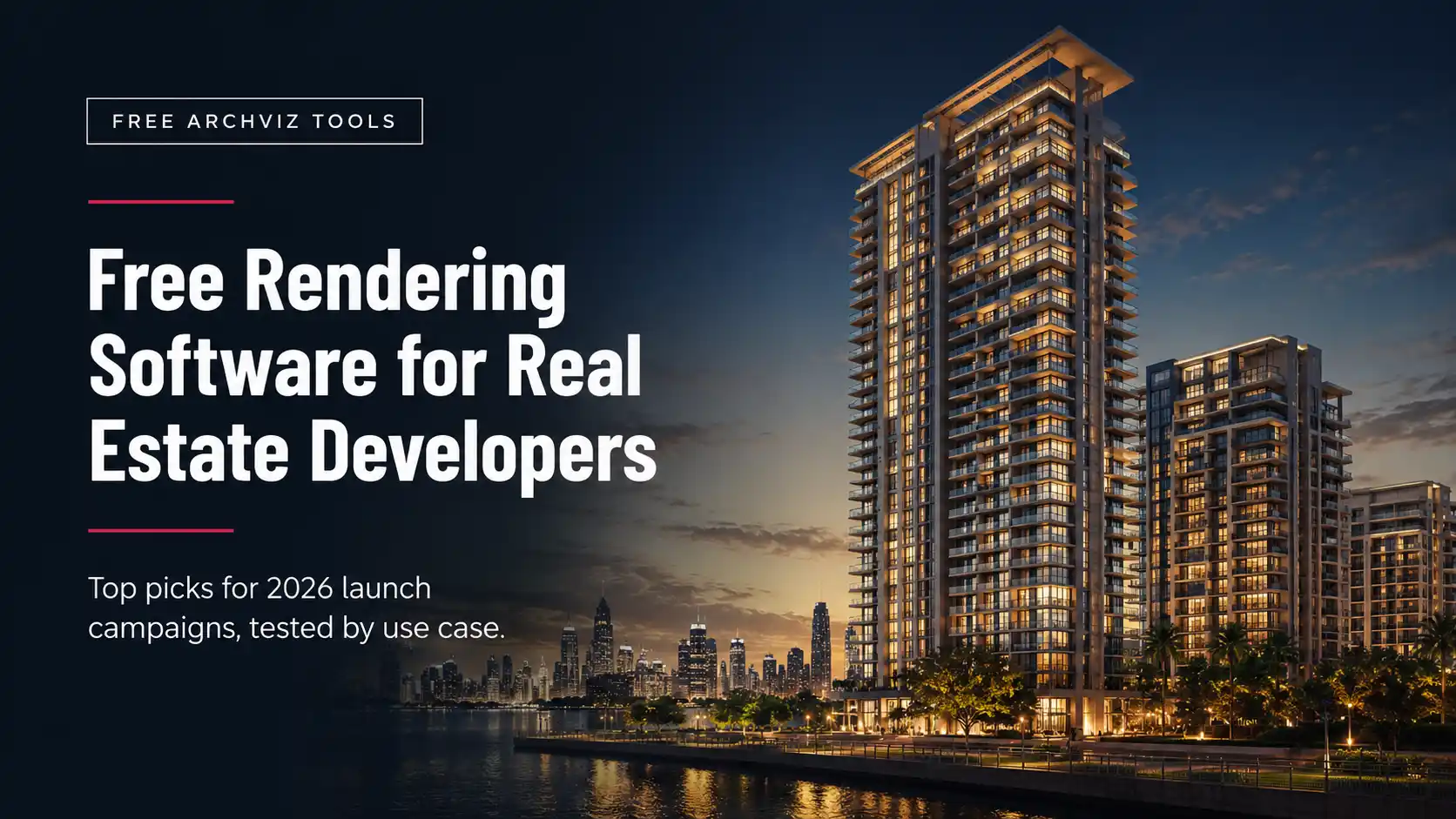
Three weeks before a launch date, the marketing budget for full production renders is usually already spent on the hero campaign assets. What’s left is the gap: teaser posts, an internal deck for the sales team, a walkthrough video for the gallery screen. That gap is what free rendering software is actually for.
Free rendering software for real estate developers is a category of no-cost 3D visualization tools, ranging from open-source render engines to real-time game-engine viewers, that turn a CAD or BIM model into stills, walkthroughs, and interactive scenes for pre-launch marketing. It is not a substitute for a dedicated production partner on the assets that carry your brand: it is what fills the space around them, at zero license cost, if you know which tool fits which deliverable.
None of the five tools below were built for real estate specifically. They were built for architects, game developers, and VFX studios, and real estate teams have adopted them because the free tiers are genuinely usable for commercial work. That’s the boundary line worth drawing early: a free tool can produce a clean walkthrough or a passable hero still, but it can’t replicate the lighting, material accuracy, and revision turnaround of a dedicated rendering team once a campaign scales past a handful of assets. This guide covers both halves of that line.
Why free rendering software matters at launch stage
A launch campaign runs on more visual assets than any single production budget covers. There’s the hero exterior for the billboard, sure, but there’s also the version cropped for Instagram, the one recolored for the night-time social push, the loop that plays on the sales gallery’s lobby screen, and the deck slide an investor asks for two days before a board meeting. Commissioning a rendering studio for every one of those is neither realistic nor necessary. Free tools cover the volume tier of that list so a paid production budget can stay focused on the assets that actually carry the brand.
The data backs the underlying bet on visualization itself, even before free-versus-paid enters the conversation. Zillow’s own research found that listings with a 3D home tour get 37% more views and sell about 14% faster than listings without one.1 Matterport’s data separately shows 3D tours generating roughly 49% more qualified leads, which matters more for a developer’s sales team than raw traffic does: fewer casual browsers, more buyers who’ve already walked the unit before they call.
Verdict: the case for visualization at launch is closed. The open question is only which tool produces which asset, and that’s what the rest of this guide sorts out.
Free rendering software for real estate developers isn’t a like-for-like swap for a dedicated studio. It covers the volume tier of a campaign so the production budget can stay focused on the assets that carry the brand.
Quick picks: which free tool fits which launch deliverable
Each tool below solves a different part of a launch campaign. Use this table to jump straight to the one that matches what’s actually due this week, then read the full section for licensing details and the honest limitations.
| Tool | Best Launch Deliverable | License Cost |
| Twinmotion | Sales gallery walkthrough video, fast turnaround | Free under $1M annual revenue |
| D5 Render | Internal preview of photorealistic quality, before deciding on Pro | Free tier is non-commercial only; Pro required for campaign use |
| Blender | Maximum quality when the deadline allows overnight render time | Free, open source, no restrictions |
| Unreal Engine | Interactive VR walkthrough on the gallery floor itself | Free for visualization use, no royalty on marketing content |
| Krea AI | Testing the concept-render workflow before committing to a paid plan | Free tier is non-commercial only; $9/month Basic plan required for commercial use |
Twinmotion: fast walkthrough videos for the sales gallery
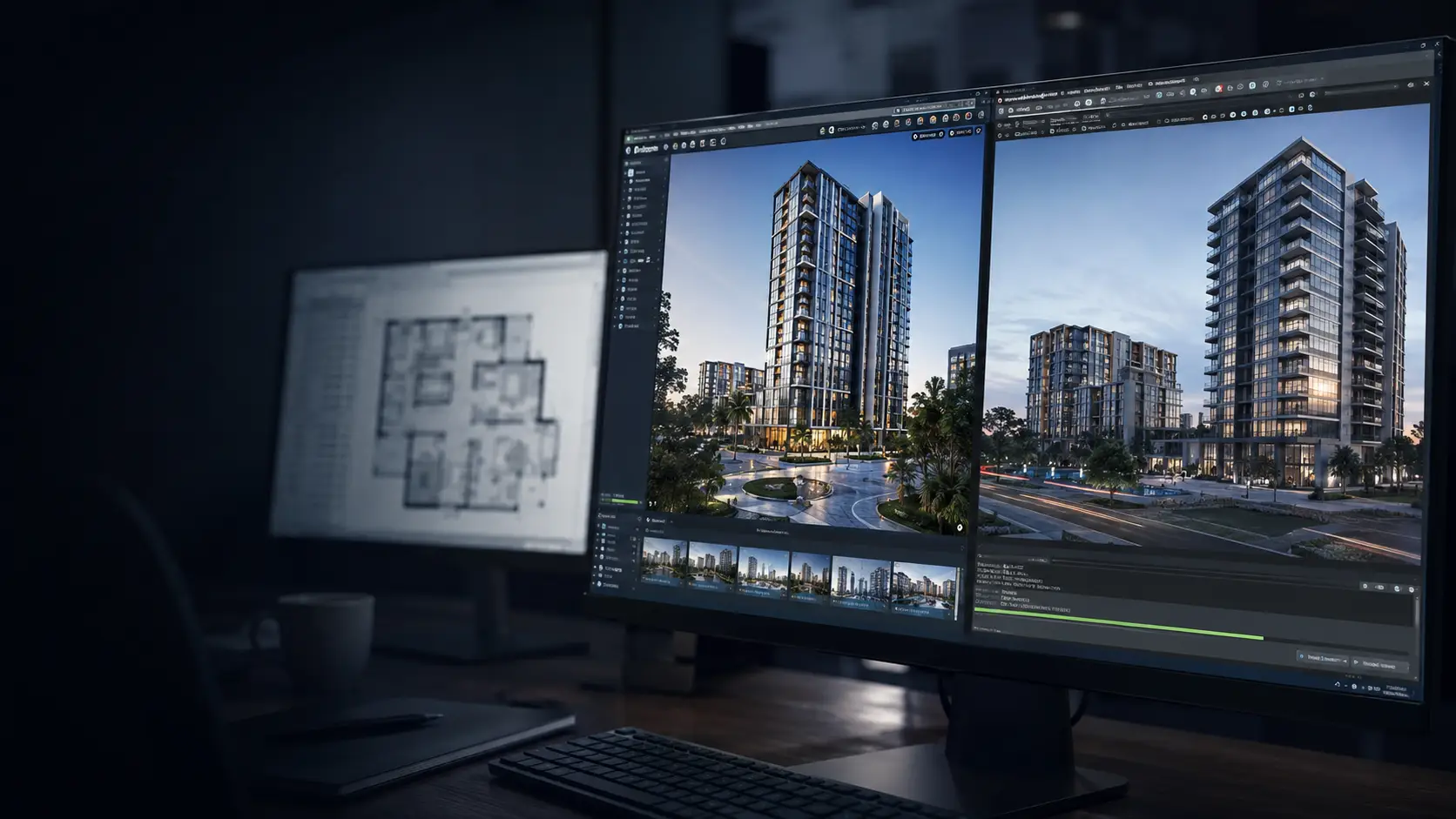
Twinmotion is Epic Games’ real-time visualization tool, built on the Unreal Engine but packaged with a drag-and-drop interface aimed at architects rather than game developers. A model imported from Revit, SketchUp, ArchiCAD, or Rhino updates live in the viewport as the source file changes, which matters more than it sounds like it should when a floor plan is still moving two weeks before launch.
For a developer, the practical draw is speed. Materials, lighting, and a library of landscaping and people assets are already built in, so a rough walkthrough video for the sales gallery’s lobby screen can go from imported model to exported clip in an afternoon rather than a week. Twinmotion is free for individuals, students, educators, and companies under $1M in annual revenue, with no watermark and no export cap within that tier.2
What it can’t do: match the material and lighting precision of an offline renderer on a hero still, or run without a genuinely powerful GPU once a scene gets dense with landscaping and interior detail. Twinmotion is built for speed, and it shows in scenes that need painstaking realism rather than a fast, clean pass.
D5 Render: the fastest way to test photorealism before paying for it
D5 Render is a real-time engine built specifically for architectural visualization, with a physically based material system and HDR lighting that gets closer to a finished production look, straight out of the box, than most real-time tools manage. The LiveSync plugin connects directly to SketchUp, Revit, 3ds Max, Rhino, and ArchiCAD, so a model update on the modeling side reflects in D5 without a manual re-export.
Here’s the part worth reading carefully before building a workflow around it. D5’s free Community tier is licensed for non-commercial use only: learning, personal projects, and evaluation. D5’s own FAQ is explicit that “any commercial, revenue-generating, or professional work requires a D5 Pro license.”6 A real estate launch campaign is commercial work by definition, so the Community tier covers testing the software and previewing what D5’s quality ceiling looks like on your own model, not producing anything that ends up in front of a buyer. D5 Pro removes that restriction, priced separately rather than as part of the free tier.
What it can’t do: cover any output used in an actual campaign on the free tier, regardless of whether that output carries a watermark. Treat Community as a trial for evaluating the tool, not a production license, and budget for Pro before a single D5 render goes into a real deliverable.
Blender: the highest achievable quality when time isn’t the constraint
Blender is the one tool on this list built for absolute quality rather than speed. It’s a complete, open-source 3D suite under the GPL license, meaning no restriction on commercial use at any revenue level, and its Cycles engine is a physically based path tracer capable of results that hold up next to paid production renderers when a scene is lit and tuned properly.3
The tradeoff is time, on two fronts. Cycles renders are computed frame by frame rather than in real time, so a single high-resolution hero image can take anywhere from minutes to hours depending on scene complexity and available GPU hardware. And Blender’s learning curve is real: the interface assumes familiarity with 3D production workflows that a marketing team, rather than a visualization specialist, usually doesn’t have on staff.
Where Blender earns its place in a launch campaign is the one hero still that has to be right: the cover image for the brochure, the anchor shot for the landing page. If there’s a team member who already knows the software, or the timeline allows a day rather than an afternoon, Blender’s ceiling is higher than any real-time tool on this list.
Unreal Engine: interactive VR for the gallery floor
Unreal Engine is the game engine Twinmotion is built on, available directly rather than through Twinmotion’s simplified interface. The tradeoff for that extra complexity is control: ray-traced lighting through Lumen, cinematic camera tools through Movie Render Queue, and the ability to build a fully interactive scene rather than a fixed camera path.
For a real estate launch specifically, that interactivity is the point. An unbuilt tower’s sales gallery can run a live Unreal scene on a touchscreen or in a VR headset, letting a prospective buyer walk their own unit rather than watch someone else’s camera move through it. Epic’s engine is free to download and use for real estate visualization work; the royalty terms in Epic’s license apply to game sales, not to marketing or presentation content built for a development.4
What it can’t do: get set up quickly. Unreal has a genuinely steep learning curve, closer to a specialized software discipline than a design tool, and building a polished interactive scene is a multi-week undertaking rather than an afternoon project. It’s the right tool for a flagship gallery installation, not for the fifth social post of the week.
Krea AI: testing fast concept renders before paying for them
Krea AI sits apart from the other four: it’s a text-and-image-prompted AI rendering tool rather than a traditional 3D engine, and it’s useful earlier in the timeline than the others, before a full model even exists. A rough massing model or a hand sketch, paired with a style prompt, produces a concept image in seconds, which is exactly the speed an early internal conversation needs before anyone commits to a full model.
The free plan runs on a limited daily allowance of compute units, enough to learn the workflow and see what the tool can do with a real project’s massing. It is not, however, a free license for the investor deck itself: Krea’s free plan is for personal, non-commercial use, and a commercial license, covering client work, marketing material, and anything that leaves the building, only attaches starting at the $9/month Basic plan.5 That’s still the cheapest entry point on this list once a developer decides the workflow is worth paying for, and far below what a rendering studio would charge for the same speculative, pre-modeling concept work.
What it can’t do: replace a modeled, camera-accurate render for anything client-facing or unit-specific, even on a paid plan. AI-generated concept images are useful for mood and direction, not for a buyer deciding whether their actual unit gets morning light. Krea earns its place at the concept stage, not the sales stage, and only once the plan matches the use.
Full comparison: license limits, learning curve, and best use
Read this table by what each column tells you the tool cannot do as much as what it can. A real-time engine that’s fast and free usually trades away some accuracy; an offline renderer that’s accurate usually trades away speed. Matching that tradeoff to the actual deadline in front of you is most of the decision.
| Tool | Can Do | Cannot Do | Learning Curve |
| Twinmotion | Fast walkthrough video, live CAD/BIM sync, built-in asset library | Fine-grained material control, dense scenes on modest hardware | Low |
| D5 Render | Free evaluation of photorealistic quality, LiveSync plugins, no watermark on Community exports | Any commercial or revenue-generating output on the free tier; that requires D5 Pro | Low to Medium |
| Blender | Maximum achievable render quality, full modeling suite, zero cost at any revenue | Real-time preview, fast turnaround without dedicated GPU time | High |
| Unreal Engine | Fully interactive VR scenes, ray-traced lighting, cinematic camera tools | Fast setup, a one-afternoon turnaround on any deliverable | High |
| Krea AI | Seconds-fast concept images from a sketch or prompt, pre-modeling ideation | Commercial use on the free plan; camera-accurate, unit-specific renders at any plan level | Low |
What free tools can’t do once a launch campaign scales
Every tool above is genuinely free for commercial use within its stated terms. None of them come with a support line, a guaranteed turnaround, or someone accountable for a revision when the sales director wants the pool deck lit differently three days before the gallery opens. That gap is easy to absorb on one or two assets and hard to absorb across a full campaign.
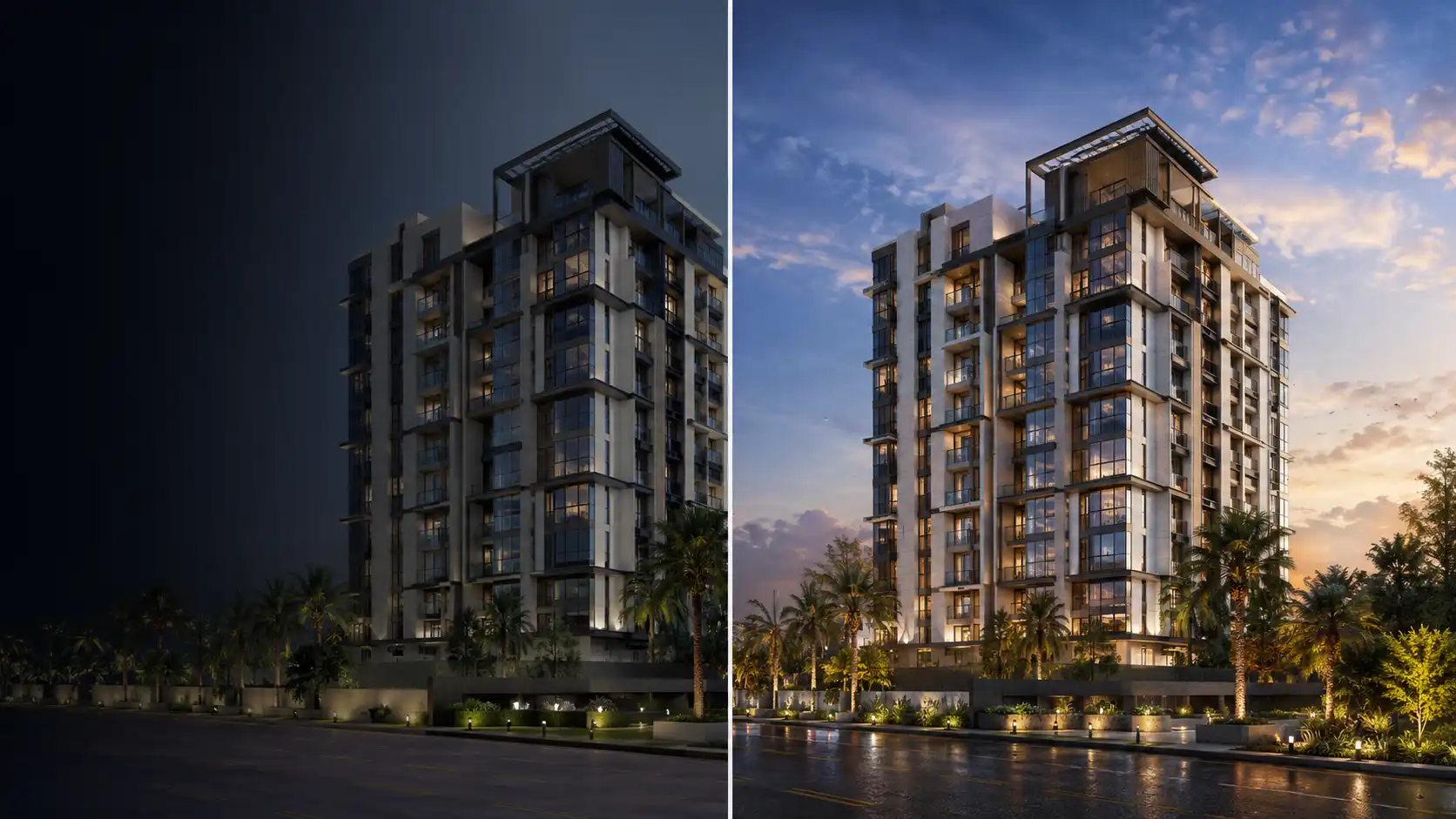
Two things tend to break the free-tool workflow at scale. The first is volume: a single-phase launch might need forty to sixty finished assets across exterior angles, interior sets, unit variations, and seasonal or day/night versions, and producing that volume in-house on a real-time engine means a team member’s calendar disappears for weeks at a time. The second is consistency: five different renders made by five different team members, on different days, rarely match in lighting and material treatment, and a sales gallery wall with inconsistent renders reads as unfinished even when each individual image is fine.
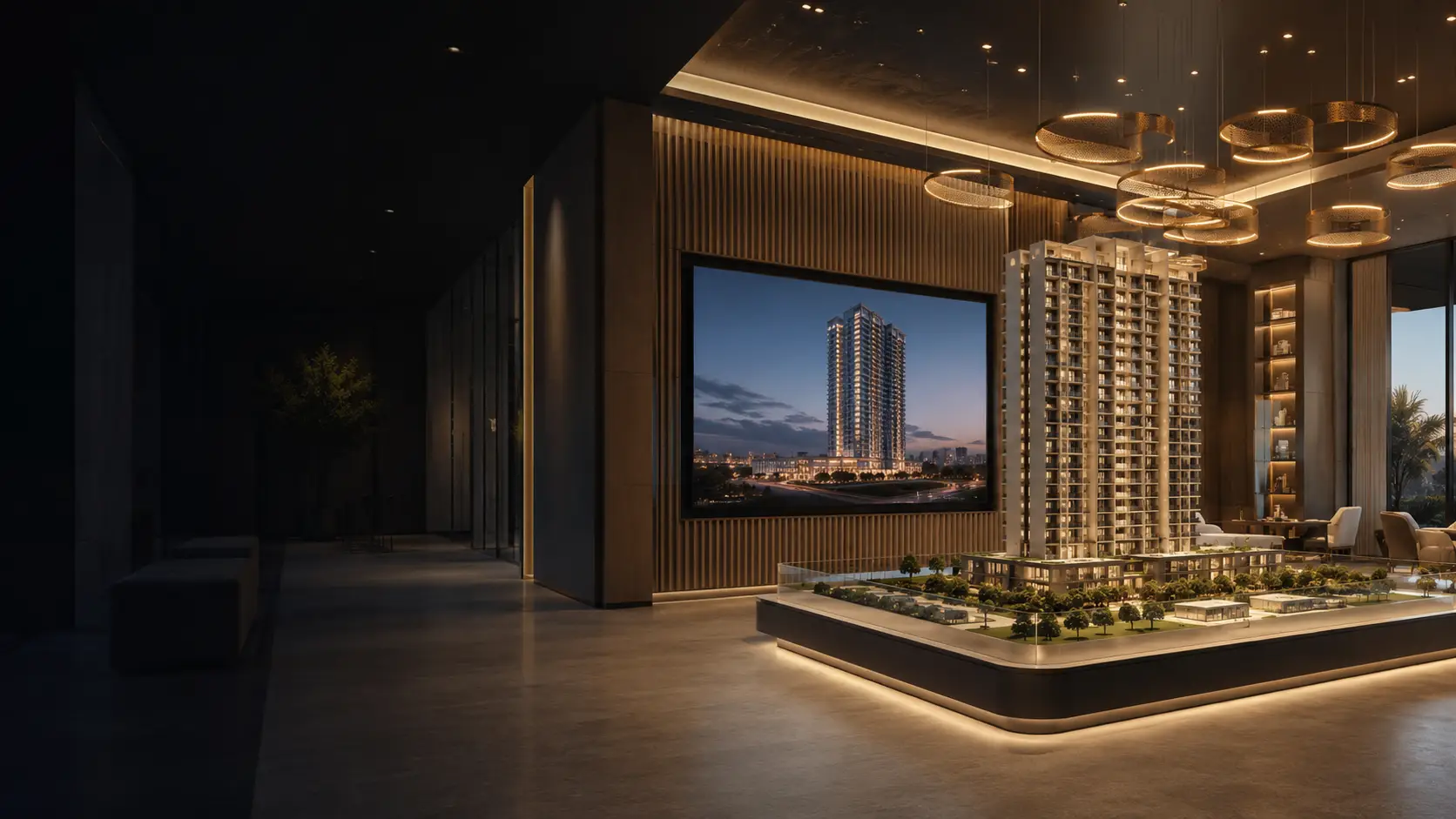
That’s the point where developers typically bring in a white-label production partner rather than continue absorbing the work internally, not to replace the free tools entirely but to take over the volume and consistency problem while the marketing team keeps using Twinmotion or Blender for the fast, disposable social content in between. Archvizly’s exterior and interior rendering work exists specifically for that scale-up moment: a production bench that delivers a consistent set across every unit type and every phase, on a launch timeline, under the developer’s own name.
FAQ
Is free rendering software good enough for a real estate launch campaign?
For a portion of the campaign, yes. Twinmotion and Blender both produce commercially usable stills and walkthrough video for social content, internal decks, and early sales collateral, free of charge under their stated terms. The hero assets that carry the brand, brochure covers, billboard renders, and the full unit set for a sales gallery, typically still go to a production partner for consistency and turnaround guarantees.
What is the best free rendering software for real estate developers in 2026?
There isn’t a single best tool; it depends on the deliverable. Twinmotion is the fastest for walkthrough video, Blender delivers the highest achievable quality when time allows, and Unreal Engine handles interactive gallery experiences, all free for commercial use under their stated terms. D5 Render and Krea AI are worth testing for photorealism and speed respectively, but both free tiers are licensed for evaluation only, not for anything that ends up in the actual campaign.
Can real estate developers use these tools for commercial marketing without paying a license fee?
For three of the five, yes, within stated terms: Blender’s GPL license permits unrestricted commercial use, Twinmotion is free for companies under $1M in annual revenue, and Unreal Engine is free for visualization and marketing content, with royalty terms applying to game sales specifically. D5 Render and Krea AI are the exceptions: both free tiers are licensed for non-commercial use only, with a paid plan (D5 Pro, or Krea’s $9/month Basic plan) required before any output can go into an actual campaign. Always confirm current license terms directly on each vendor’s site before a large campaign, since terms do change.
What’s the difference between Twinmotion and D5 Render for a launch campaign?
Twinmotion is free for commercial use under the $1M revenue threshold, so its output can go straight into a real campaign. D5 Render produces stronger, more photorealistic stills and syncs live with more modeling tools, but its free Community tier is licensed for evaluation only. Use D5 to judge whether the quality justifies a Pro license, and use Twinmotion for anything that needs to ship on the free tier today.
Do free rendering tools add a watermark to exported images?
Twinmotion does not watermark exports within its free eligibility terms. D5 Render’s Community tier also exports without a watermark, but that tier’s license restricts the output to non-commercial use regardless of the missing watermark, so a clean export doesn’t mean it’s clear to publish. Krea AI’s free tier is generation-limited rather than watermarked. Always check the current terms on the vendor’s pricing page, since free-tier conditions are the part of a license most likely to change between updates.
How much does it cost to move from free tools to a production rendering partner?
Pricing depends on the scope, unit count, and view types needed, and varies by studio. The practical trigger for making that move is usually volume and consistency, not budget alone: once a campaign needs more than a handful of matched, brand-consistent assets on a fixed deadline, the in-house time cost of a real-time engine tends to exceed what a production partner charges for the same set.
What file formats do these free tools export for marketing use?
All five export standard image formats (JPEG, PNG) suitable for web and print, and Twinmotion, D5 Render, and Unreal Engine export video (MP4) for walkthroughs and social content. Blender additionally supports EXR for high-dynamic-range post-production work, and Unreal Engine can package a fully interactive build for gallery touchscreens or VR headsets rather than a fixed video file.
Takeaways
Free rendering software for real estate developers earns its place in a launch campaign by covering volume, not by replacing the assets that need to be right. Twinmotion handles the fast, frequent content a marketing calendar demands, free for commercial use under the revenue threshold. Blender covers the occasional hero shot when time allows. Unreal Engine is worth the setup cost only for a genuinely interactive gallery installation. Krea AI belongs at the concept stage, before a model exists to render properly, once its plan matches the use. D5 Render is worth downloading to see what a higher photorealism ceiling looks like. Both D5 and Krea’s free tiers are evaluation licenses, not production ones, and that’s the one detail worth checking before either tool’s output ships anywhere near a live campaign.
The honest test for any of these tools is the same one that applies to a production partner: does the output match what the sales team is promising a buyer. When that question starts costing more time than it saves, that’s the signal to bring in a bench that can hold the volume and the consistency at once.