
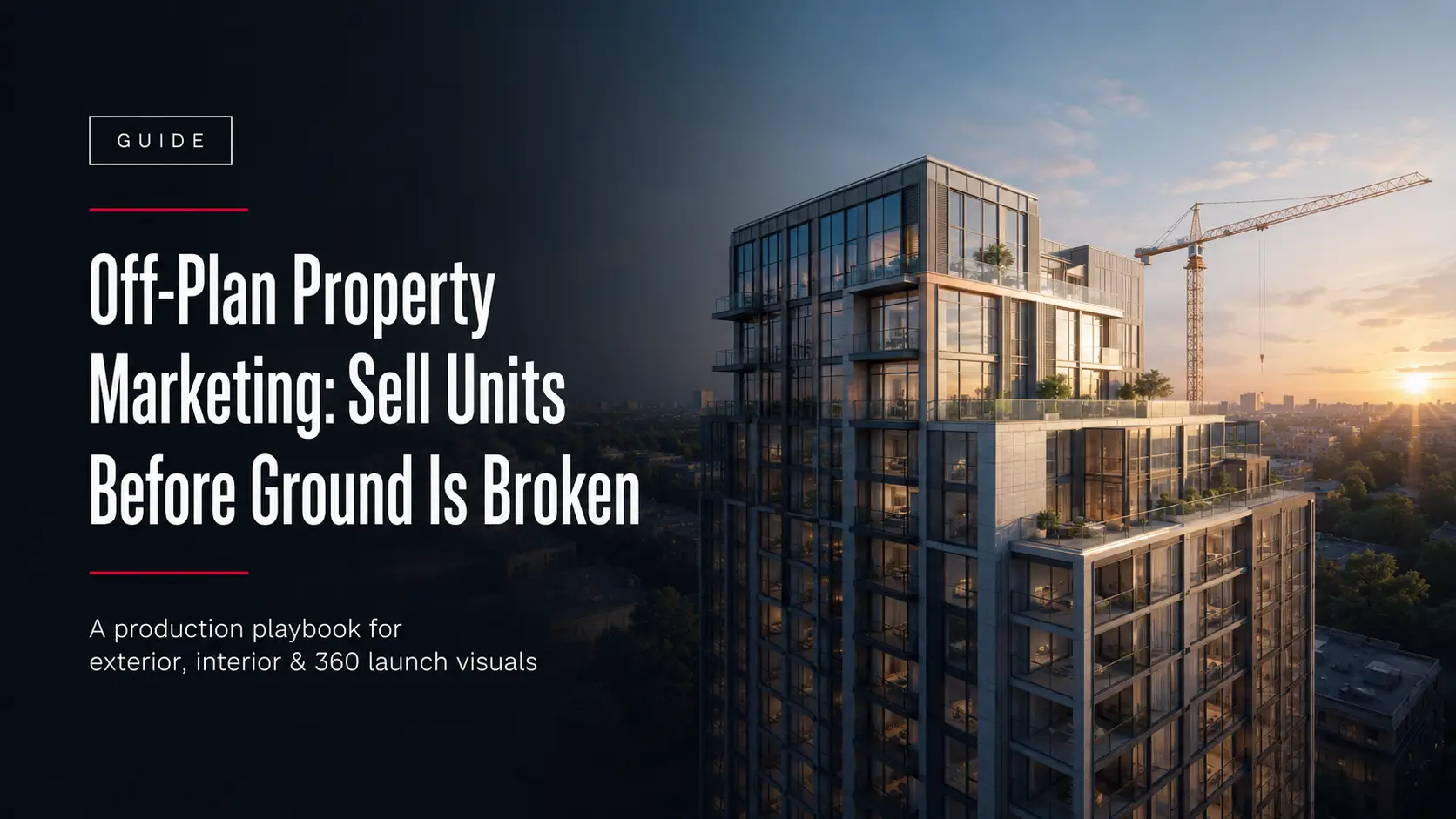
Off-plan property marketing is the practice of selling units before a building is finished, sometimes before construction has started. The buyer commits based on drawings, a price, and a set of visuals. There is no physical show unit to walk through, so the visuals carry the sale.
This is not a niche tactic. In Dubai, off-plan purchases accounted for around 74 percent of residential transactions between January and May 2026, according to data from property consultancy Cavendish Maxwell reported by Economy Middle East. In a market that size, buyers are already comfortable committing to a home they can only see as a render. The question for a developer is not whether off-plan selling works. It is whether your visuals win the buyer before a competitor’s do.
This guide covers what off-plan marketing needs from a visual standpoint, which assets do the work, and how to plan production around a fixed launch date.
What off-plan property marketing is
Off-plan property marketing sells a development during the pre-construction or construction phase. Architectural drawings are turned into photorealistic visuals that stand in for a building that does not exist yet. Those visuals run across the sales gallery, the brochure, the portal listing, and the digital campaign. The developer collects reservations and deposits before completion, which funds the build and reduces sales risk.
Why visuals decide the off-plan sale
When there is no finished unit to view, the render is the product. A buyer cannot inspect the light in the living room, the view from the balcony, or the finish on the facade. They judge all of it from images. Generic or inaccurate renders create doubt. Accurate, photorealistic ones let a buyer picture themselves in the space and reserve a unit.
There is also a compliance reason. In markets like the UAE, marketing visuals are expected to match the approved architectural drawings, so facade materials, proportions, and unit layouts have to be correct, not just attractive.
The visual assets that carry an off-plan launch
A launch is rarely one image. It is a set of assets, each doing a specific job across the campaign.
Exterior CGI and aerial views
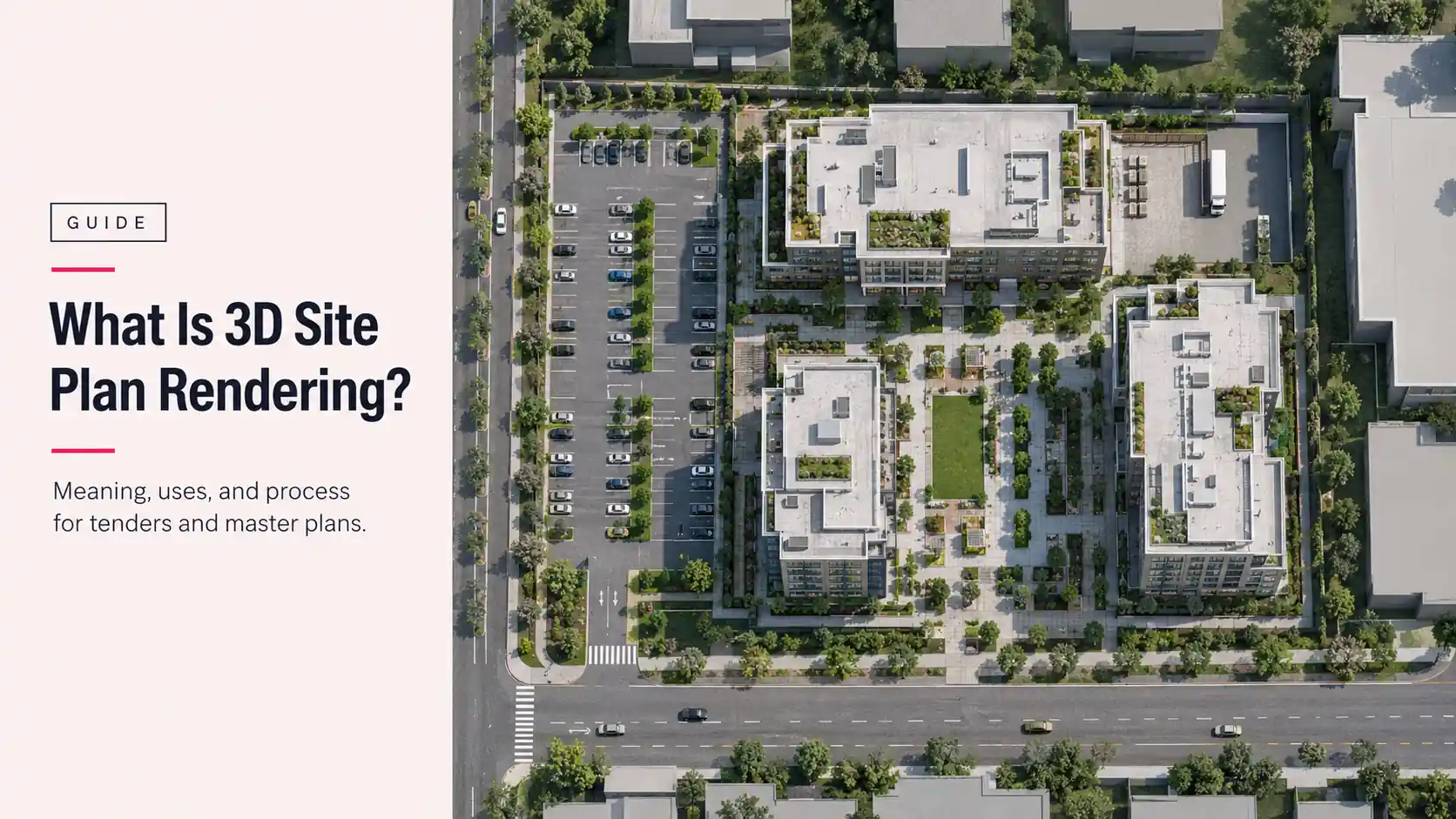
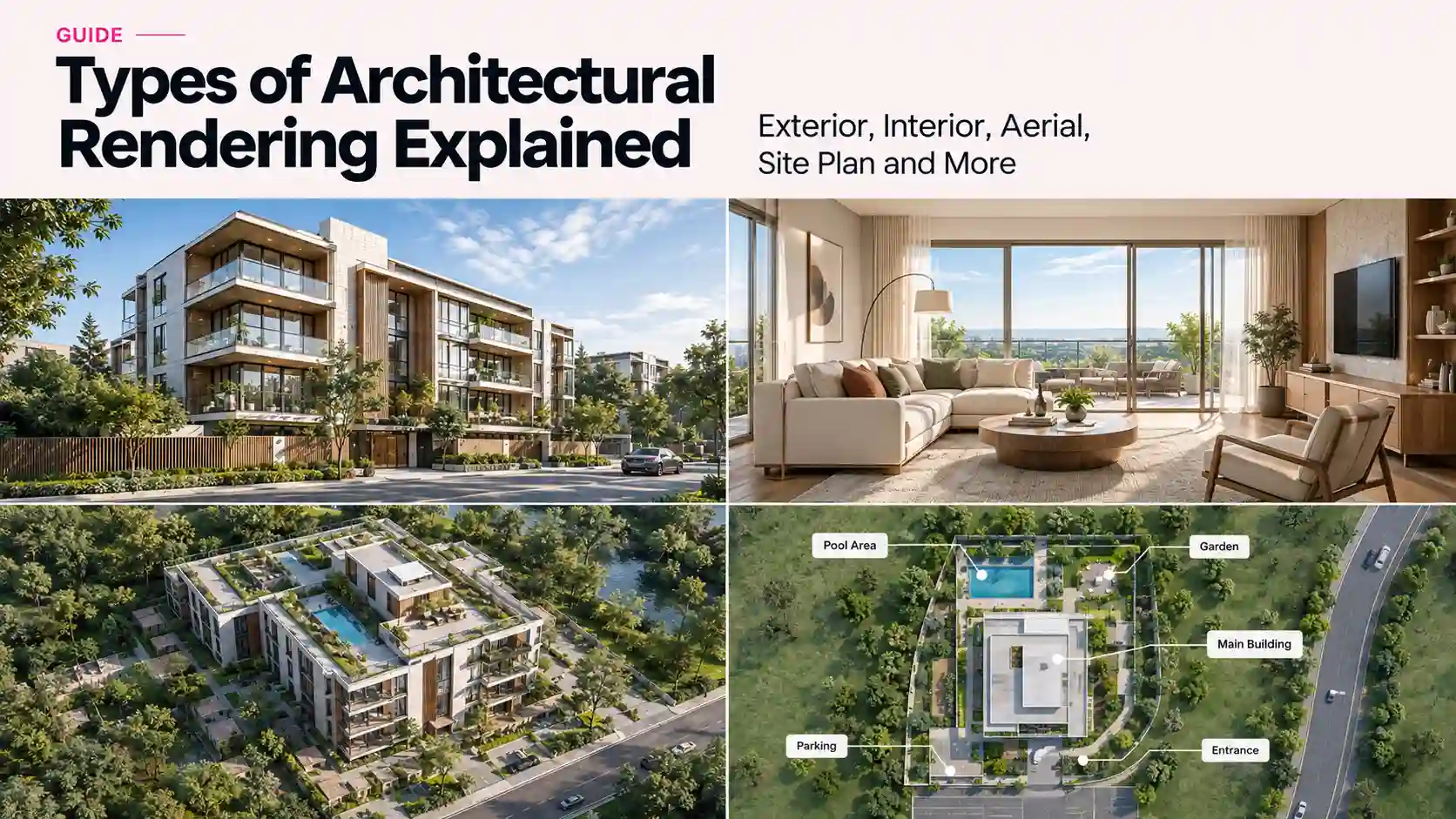
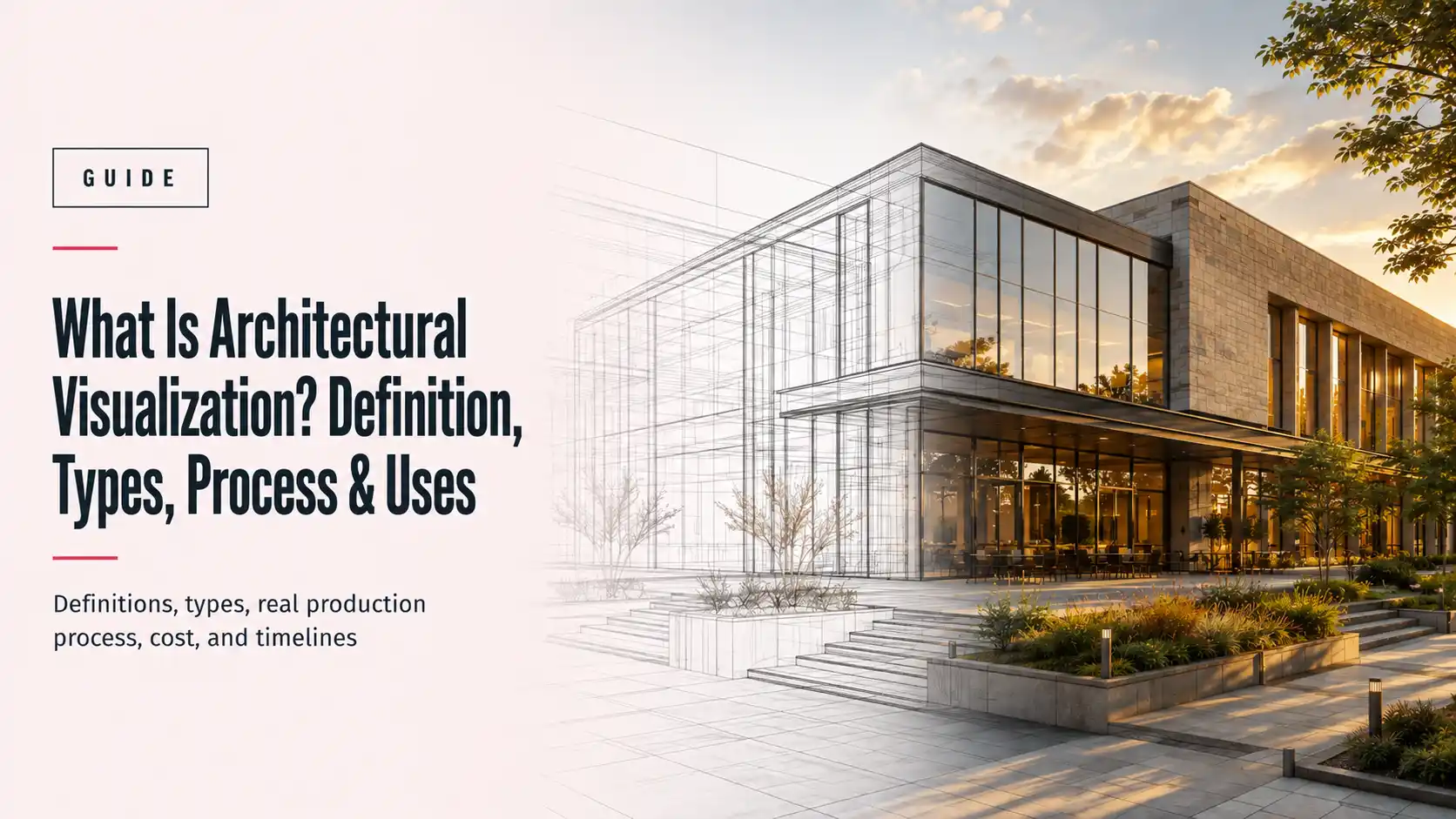
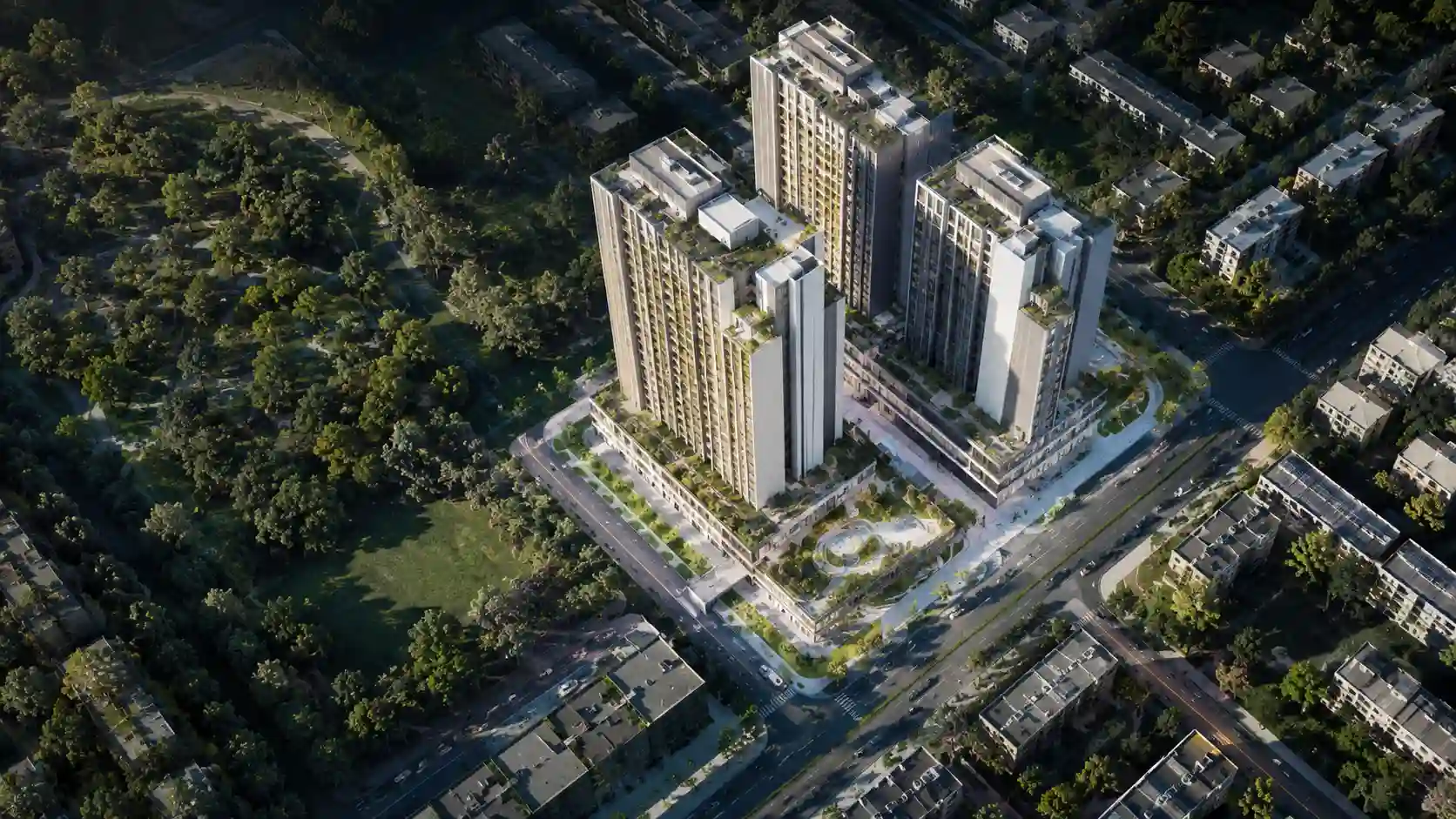
Exterior renders show the building in its real context: street level, podium, and skyline. Aerial views show the plot, the surrounding area, and the masterplan. These are usually the hero images of a launch and are delivered as high-resolution JPEG or PNG for both print and web.
Interior renders and virtual staging
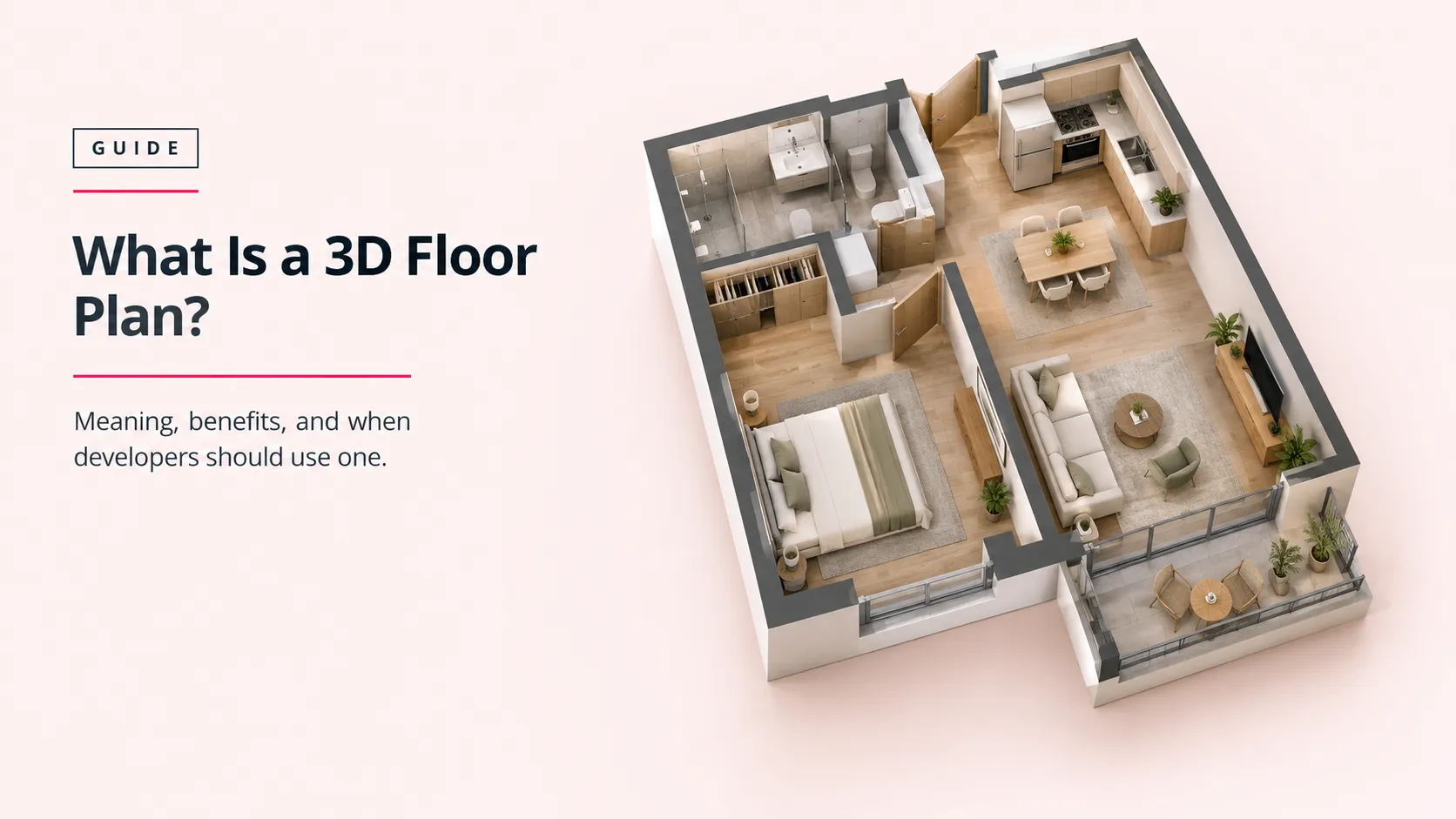
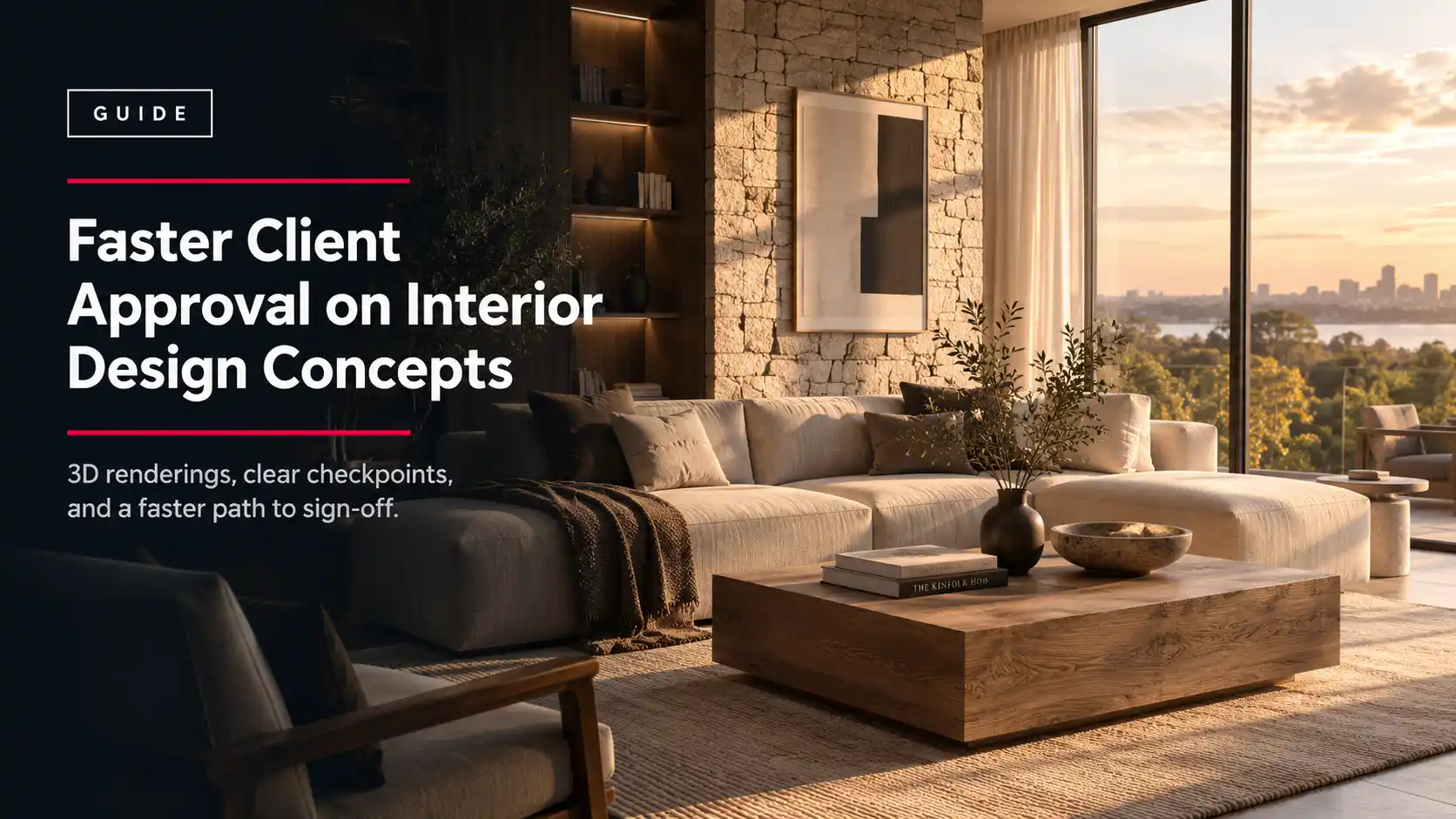
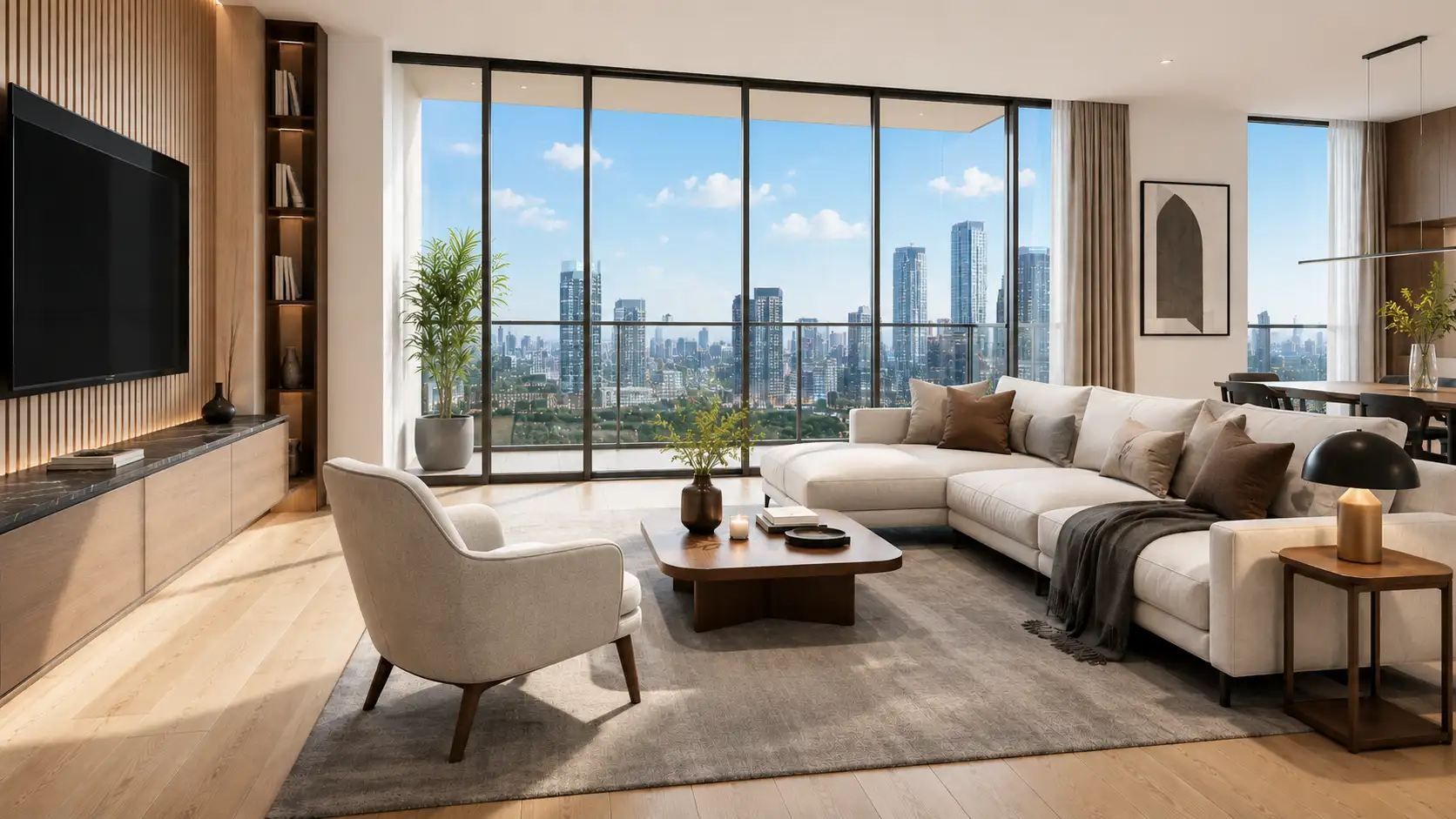
Interior renders show the units the buyer is actually purchasing: living spaces, kitchens, bathrooms, and the view from the window. Virtual staging furnishes an unbuilt or empty interior so the buyer sees a lived-in space instead of a bare shell, which is often the difference between a listing that reads as real and one that does not.
360 virtual tours and walkthrough animation
A 360 panorama lets a remote buyer look around a room from a fixed point. A walkthrough animation moves a camera through the whole unit as a video, delivered as MP4. Both matter when a large share of off-plan buyers are overseas and decide without visiting the site.
On file formats, plan for this by default: still images as high-resolution JPEG and PNG, animation as MP4, layered files as EXR when the images need further post-production, and 3D models as FBX or .blend when other vendors need to reuse the geometry.
How to plan visuals around a launch date
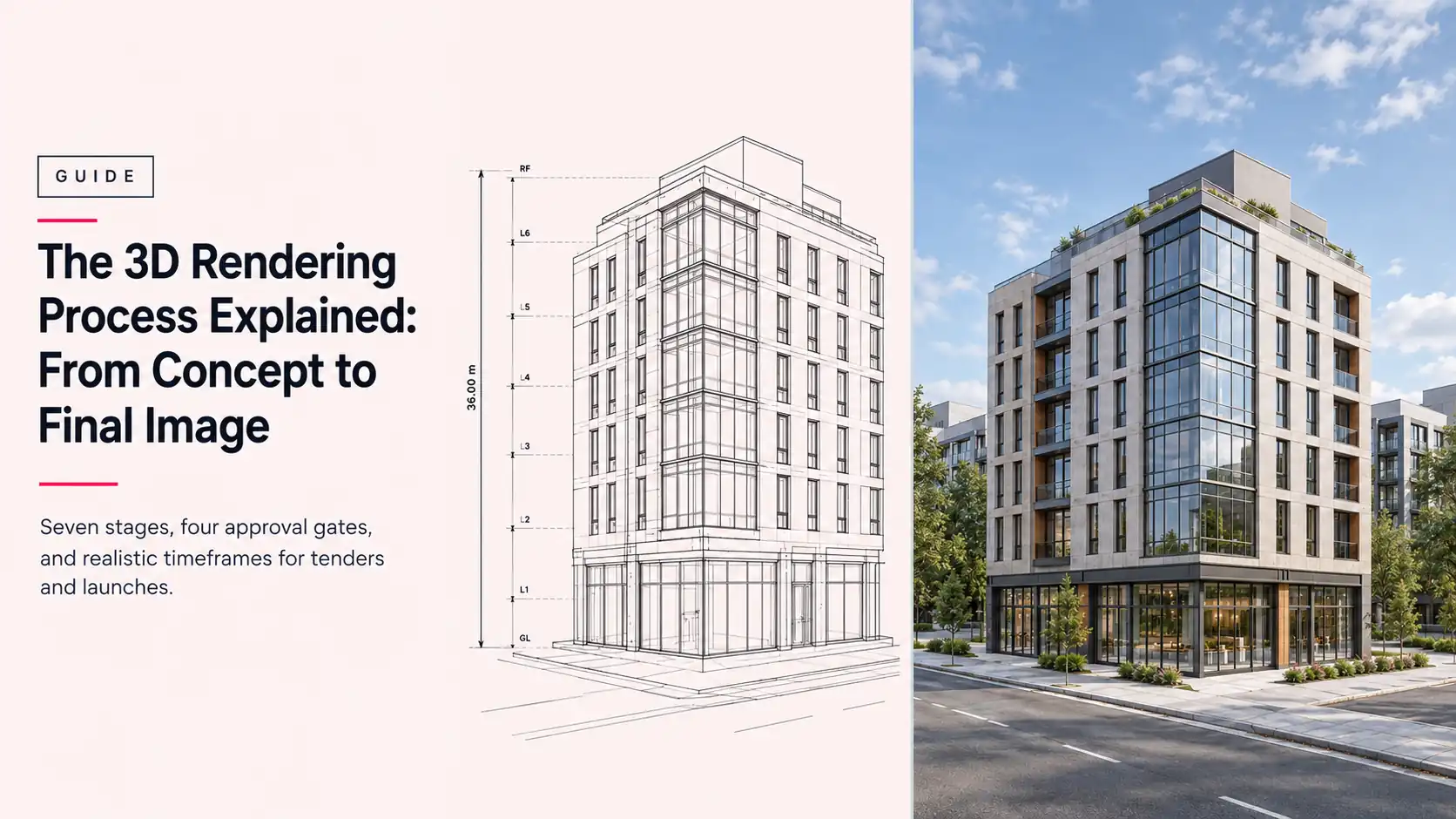
Work backwards from the launch date and build the visual production schedule first, not last. A render set is produced from architectural drawings, so production can begin before the site is ready. Once the 3D model is built, a single still view typically takes 48 to 72 hours including one revision round. Defined revision rounds keep feedback from stalling the schedule.
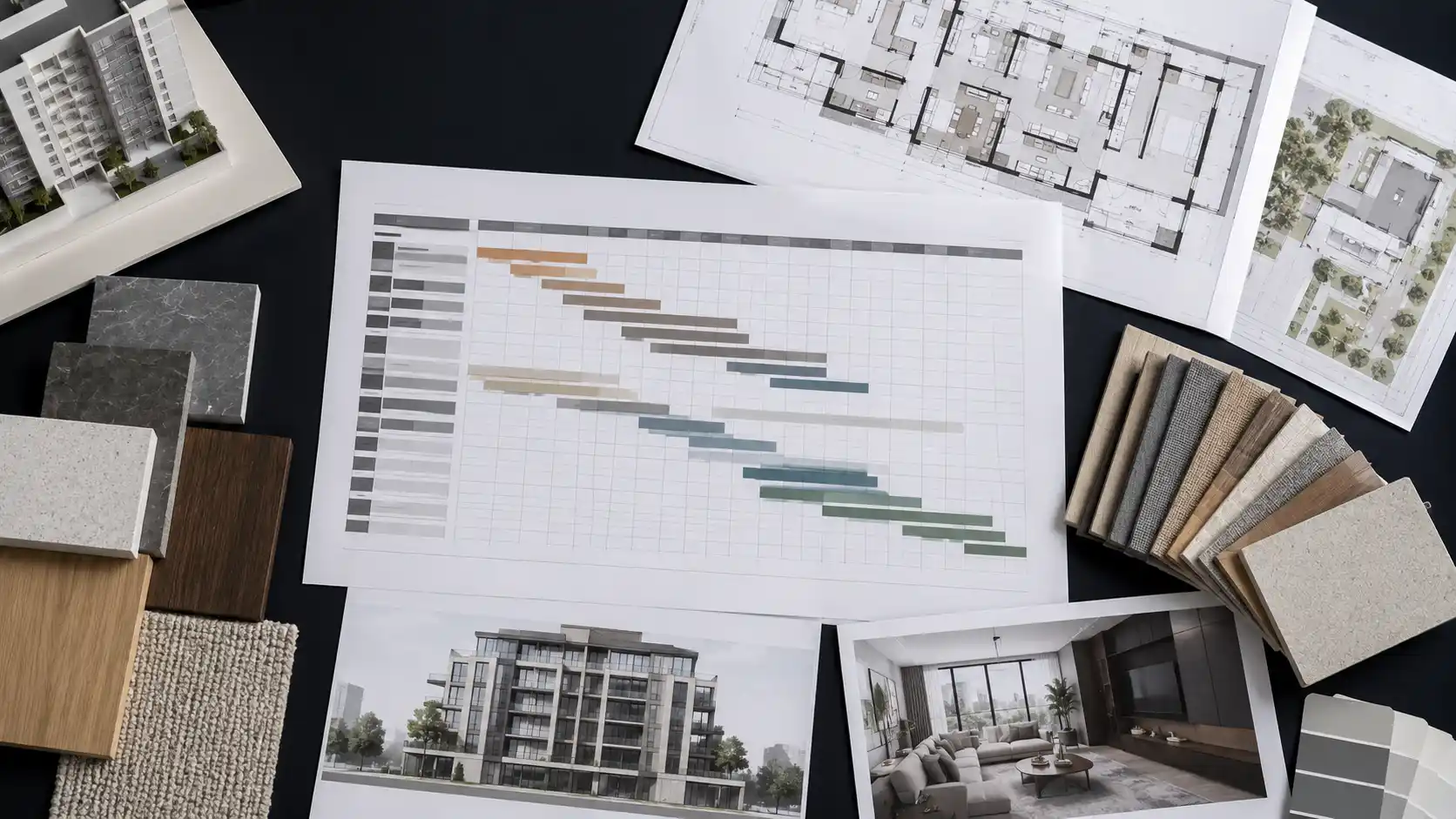
Lock the drawings early. Late design changes are the most common cause of a missed launch. For a worked example, see how Archvizly produced a full exterior and aerial set for an off-plan tower in Dubai from architectural drawings alone, ahead of construction.
Common off-plan marketing mistakes
- Starting visuals too late, so production competes with the launch deadline instead of leading it.
- Using generic renders that do not match the approved design, which creates buyer doubt and compliance risk.
- Relying on exteriors alone and skipping the interiors buyers are actually purchasing.
- Ordering a single hero image instead of a set that covers the sales gallery, brochure, portal, and social channels.
- Not agreeing revision rounds up front, so feedback turns into delay.
Frequently asked questions
How do 3D renders help sell off-plan property?
They stand in for a building that does not exist yet. The buyer commits based on the visuals, so accurate, photorealistic renders of the exterior, the interiors, and the views let the buyer judge the property and reserve a unit before completion.
When should a developer start producing launch visuals?
As soon as the architectural drawings are close to final. Production works from drawings, not the finished site, so an early start protects the launch date. Working backwards from launch, allow time for modeling, a first render pass, and revision rounds.
What file formats do you receive for an off-plan campaign?
Still images as high-resolution JPEG and PNG, animation as MP4, layered files as EXR for post-production, and 3D models as FBX or .blend when other vendors need them.
How long does it take to produce a launch render set?
Once the model is built, a single still view typically takes 48 to 72 hours including a revision round. A full set of exteriors, aerials, and interiors is scheduled around the launch date, which is why locking the drawings early matters.
Getting a launch set ready
Off-plan selling depends on visuals a buyer can trust before anything is built. Plan the render set as part of the launch, not an afterthought, and start from the drawings.
Archvizly is a white-label architectural visualization partner that produces exterior, interior, aerial, and 360 visuals for off-plan launches on the developer’s timeline, under the developer’s name. Start a project.