


Free virtual staging tools are apps and web platforms that let you digitally add furniture and decor to a listing photo instead of paying for physical staging or a professional virtual staging service. Most work from a single photo of an empty or dated room, run the image through an AI or manual editor, and hand back a furnished version in minutes rather than days.
Below are 10 tools with a genuine free tier as of this writing, what each one actually gives you for free, and where the free tier stops being enough for an agent working more than one listing at a time. Free-tier terms on these platforms change often, so treat the specifics here as a starting point and confirm current limits before you rely on one for a live listing.
What “Free Virtual Staging” Actually Means
Free virtual staging is the use of a no-cost or freemium software tool to digitally place furniture, decor, and finishes into a photo of an empty or outdated room, without hiring a physical stager or an outsourced photo editor.
In practice, “free” almost always means one of three things: a limited number of free exports before you have to pay, a watermark on every free export, or full functionality capped at a lower resolution than you’d want for an MLS listing. None of the tools in this list are free with zero conditions attached, and that’s not a knock on them. It’s just how freemium software works. The useful question isn’t “which one is free,” it’s “which limit can I live with for this listing.”
Staged photos, whether staged physically or virtually, are consistently linked in real estate industry research to more online views and faster buyer interest than photos of an empty room, which is a large part of why virtual staging on vacant listings has become routine rather than optional over the past few years.
Free vs. Professional Virtual Staging: When Each Makes Sense
A free tool costs nothing up front but asks you to accept a watermark, a credit limit, or a resolution cap. A paid, professional virtual staging service removes those limits and typically adds a human quality-check on lighting, shadows, and furniture scale, at a per-photo price. Published per-image pricing among the tools and services referenced in this article ranges roughly from single digits up to the $70-$80 range depending on the provider, turnaround speed, and whether a person reviews the output before delivery. Confirm current pricing directly with any provider before budgeting a campaign around it.
| Situation | Free tool usually works | Professional service usually wins |
|---|---|---|
| One vacant listing, testing the concept | Yes | Not necessary yet |
| A handful of listings this month, occasional use | Yes, with a paid tier once free credits run out | Optional |
| A property that hasn’t been built yet (off-plan, pre-completion sales gallery) | No, photo-based tools have nothing to work from | Yes, this needs 3D rendering, not photo editing |
| An agency staging dozens of listings a month for multiple clients | Breaks down at volume | Yes, consistent style, no watermarks, batch delivery |
What to Check Before You Pick a Free Tool
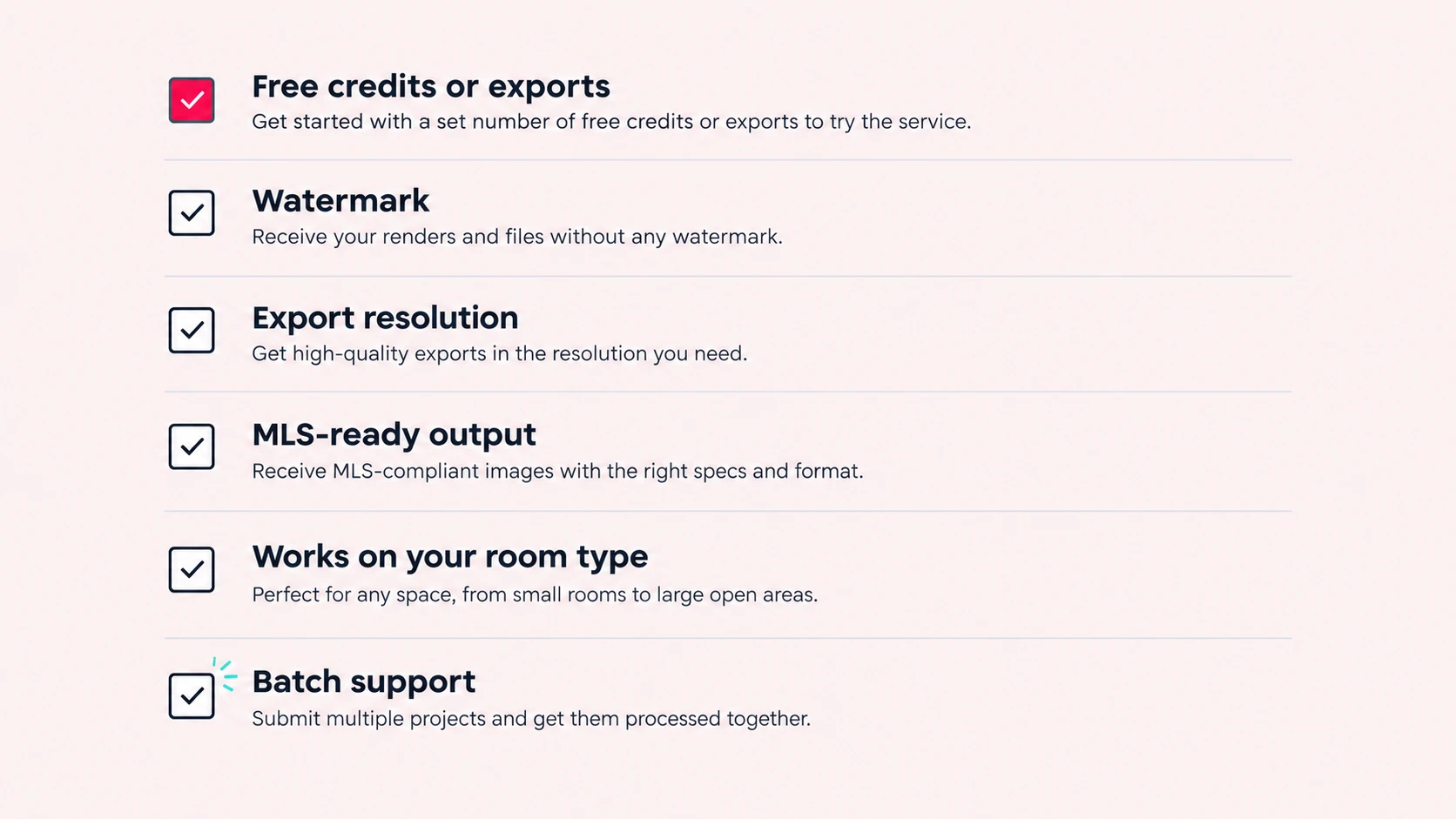
Before you commit an afternoon to any one platform, check these six things. They are the criteria that matter most when you compare the tools below:
- Free credits or exports: how many finished images you actually get before hitting a paywall
- Watermark: whether the free export is usable on an active listing or only for internal review
- Export resolution: MLS and listing portals compress images; a low-resolution free export shows it
- MLS-ready output: clean of visible watermarks, warped furniture, or other artifacts that would draw a compliance flag
- Works on your room type: vacant rooms are the easiest case; some tools struggle with partially furnished or cluttered rooms
- Batch support: whether you can queue more than one photo at a time, or must process each one manually
10 Free Virtual Staging Tools for Real Estate Agents in 2026
Compared on free tier, watermark, and batch support, using each provider’s published terms. Check the other criteria from the list above (resolution, MLS-ready output, room type) yourself before you commit to a tool:
| Tool | Free Tier | Watermark | Batch Support | Best For |
|---|---|---|---|---|
| Homestyler | Free room design with a large branded-furniture catalog | No on standard renders; higher-resolution exports restricted | Manual, one room at a time | Agents who want to choose exact furniture pieces themselves |
| Coohom | Browser-based design with a large furniture library | Yes, on free exports | Manual | Testing a layout before committing to a paid export |
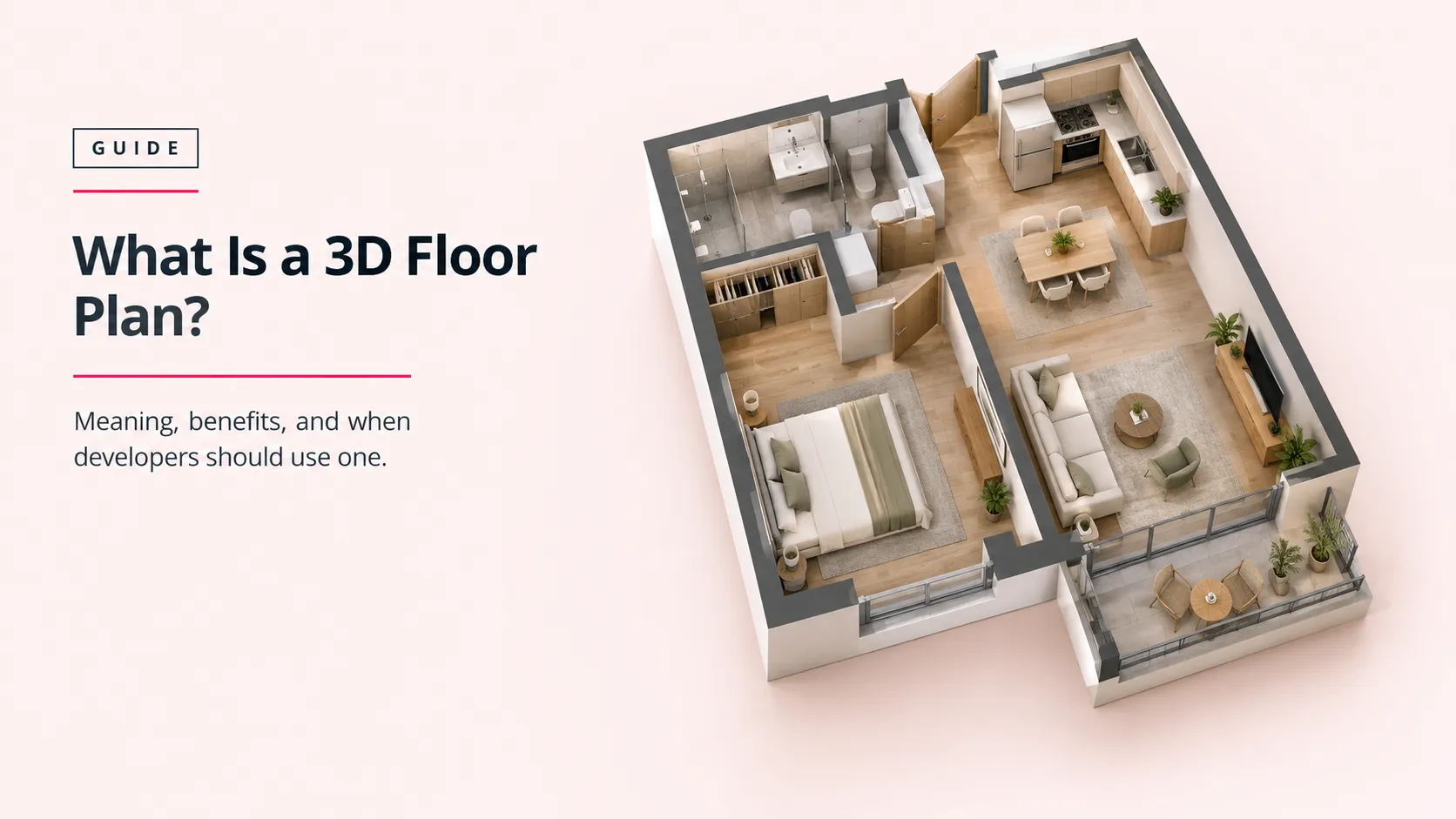
| Planner 5D | Free 3D room layout planning | No, but exports are limited on the free tier | Manual | Planning furniture placement before staging a room in person |
| Sweet Home 3D | Fully free, open-source desktop software | None, no credit system at all | Manual, unlimited | Agents comfortable with a learning curve who want zero ongoing cost |
| VisualStager | Drag-and-drop manual staging editor, trial credits | Yes, until a credit is purchased | Manual | Agents who want manual control over exact furniture placement |
| ApplyDesign | AI one-click staging, free trial generations | Yes, on trial exports | Limited | Quickly previewing several design styles in one room |
| Virtual Staging AI | AI staging with a small number of free credits | Yes, on free credits | Limited | Fast, instant results on a single vacant room |
| AI HomeDesign | AI staging with free trial credits, design regeneration | Yes, on free trial output | Limited | Regenerating a room in several styles before picking a favorite |
| Remodel AI | Several full-quality free designs, no card required (per provider) | No, on free designs (per provider) | Limited | Agents who want to try a no-watermark export before paying anything |
| BoxBrownie | Human-edited service; free or trial edits offered periodically | No, paid, human-reviewed output | Yes, per order | Agents who want a person, not an algorithm, checking the final image |
A pattern worth noticing across all 10: “free” almost never means unlimited. It means a handful of exports, a watermark you can’t remove without paying, or a resolution ceiling. That’s a reasonable trade for testing a listing or two. It’s not a foundation for a business that runs on consistent, watermark-free, on-brand listing photos every week.
MLS Disclosure Rules for Virtually Staged Photos
Most MLS systems require a virtually staged photo to be disclosed as such, typically with a caption or a small on-image label reading “virtually staged.” Some state real estate regulators go further than the MLS baseline and have their own rules on disclosing digitally altered listing photos. Requirements vary by state and by MLS, so check your specific board’s photo policy and your state’s disclosure rules before submitting a virtually staged image. Don’t assume the rule that applied last year, or in a different state, still applies.
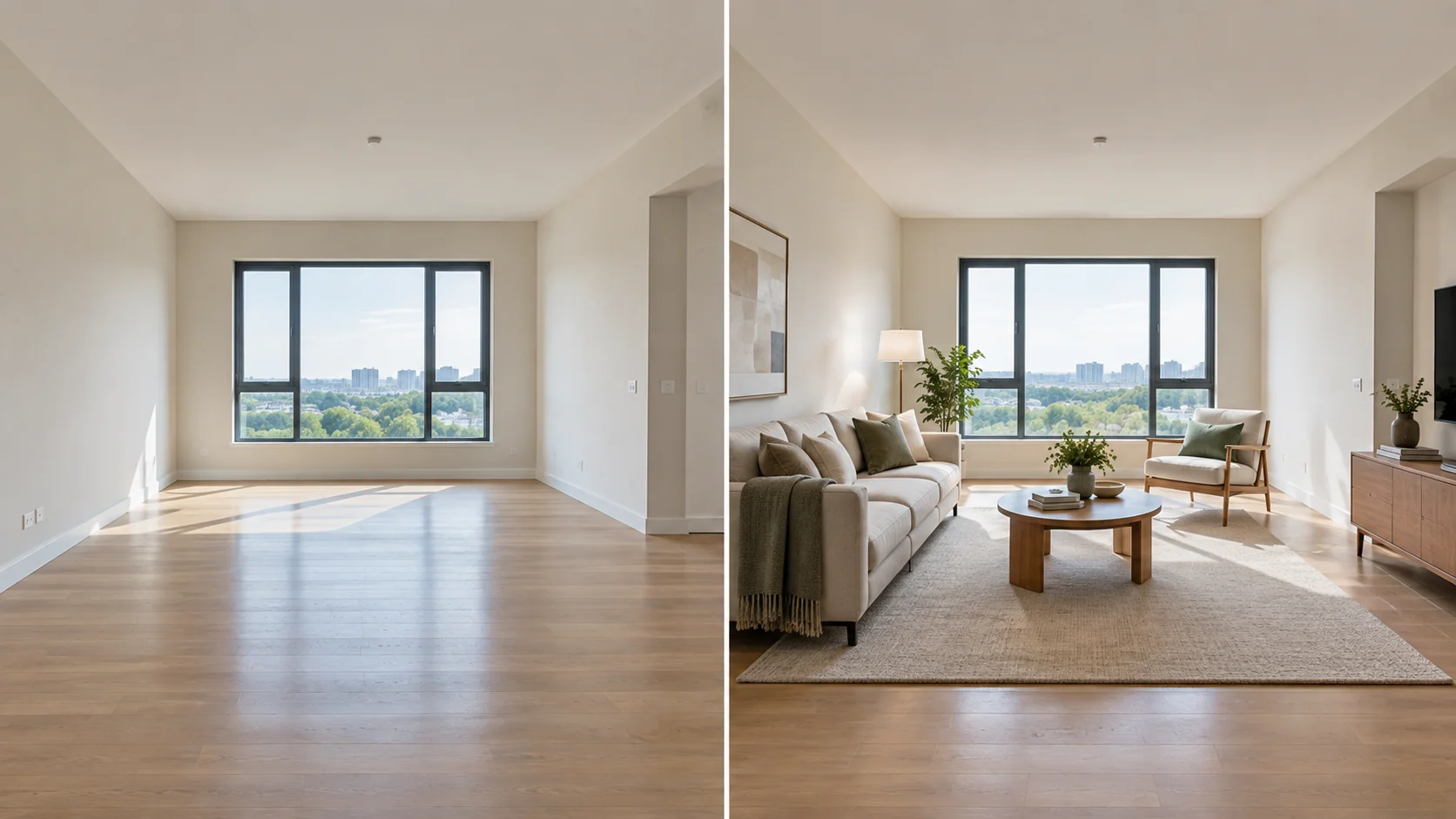
A watermark reading “virtually staged” from a free tool often satisfies this requirement on its own, one more reason a visible watermark isn’t purely a downside on a free tier.
Tips for Getting Realistic Results from a Free Tool
- Shoot the room straight-on, at standing eye height, with the widest clean angle you can get; most tools place furniture more convincingly on a well-composed photo than they can correct a poor one
- Match the tool’s furniture scale to the room’s actual dimensions where the tool allows manual adjustment; oversized furniture is the single most common tell of a rushed virtual staging job
- Keep the furniture style consistent across every room in the same listing; a mid-century living room next to a farmhouse bedroom reads as staged, not lived-in
- Check the shadow direction the tool generated against the room’s actual window placement; mismatched shadows are the second most common tell
- Disclose the image as virtually staged per your MLS and state’s rules, every time, regardless of how realistic it looks
When Free Virtual Staging Tools Stop Being Enough
Every tool above works well for one agent staging one listing. The limits show up at a different scale, and that scale looks different depending on who you are:
- Volume. Free credit limits and per-export watermarks are built around occasional use. An agent or agency staging 20-plus listings a month runs out of free credits fast, and re-purchasing credits one export at a time stops being cheaper than a production partner.
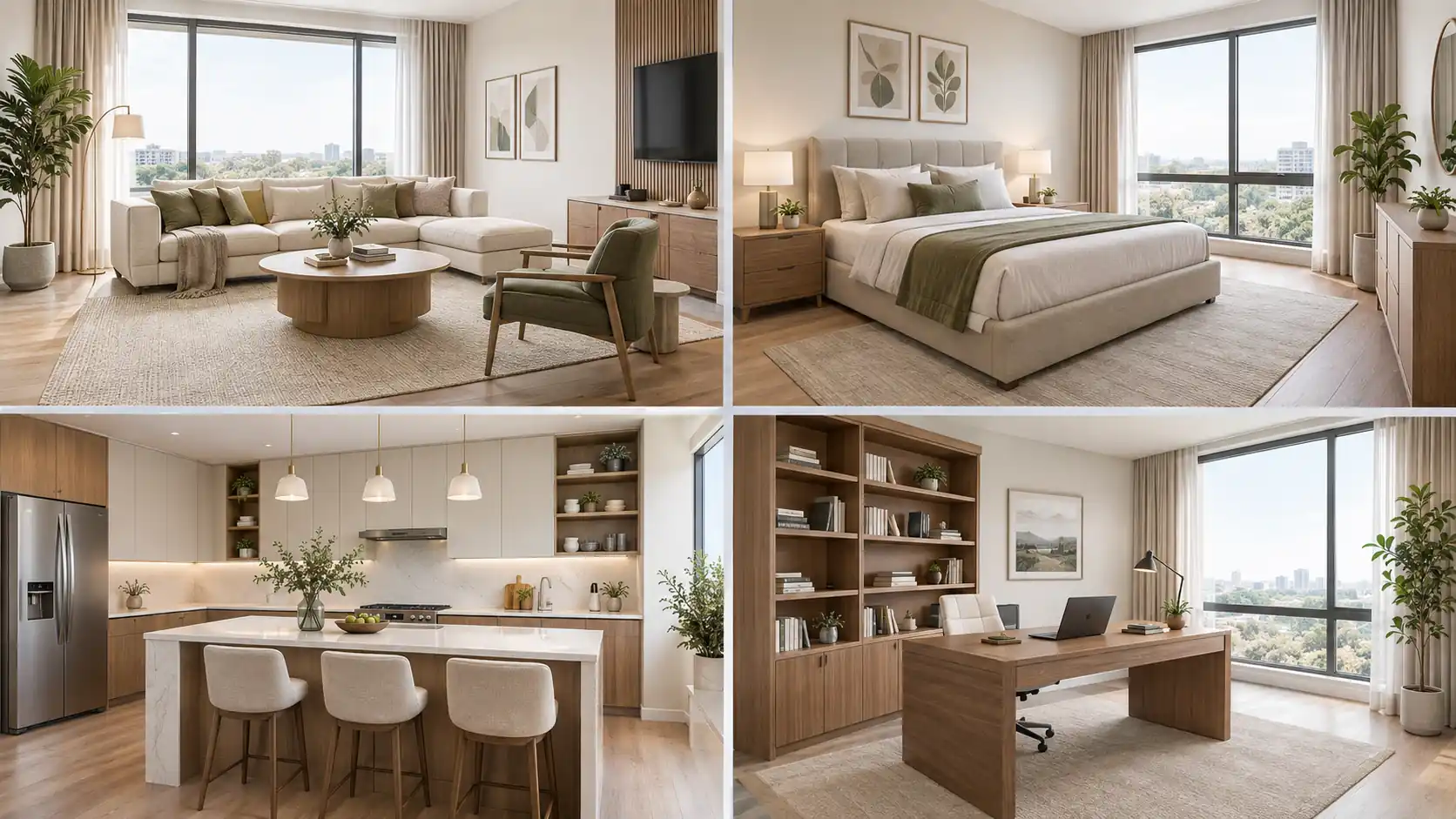
- Consistency across a portfolio. A property marketing agency’s clients expect the same furniture style, lighting treatment, and quality bar across every listing in the account, not photo-by-photo variation depending on which free tool’s AI generated it that day.
- White-label delivery. Agencies typically need finished images to go out under their own name and their own client relationship, with no third-party watermark or branding anywhere on the file.
- Batch turnaround against a deadline. A launch campaign or a sales gallery deadline needs a full set of images delivered together, not queued one photo at a time through a free-tier interface.
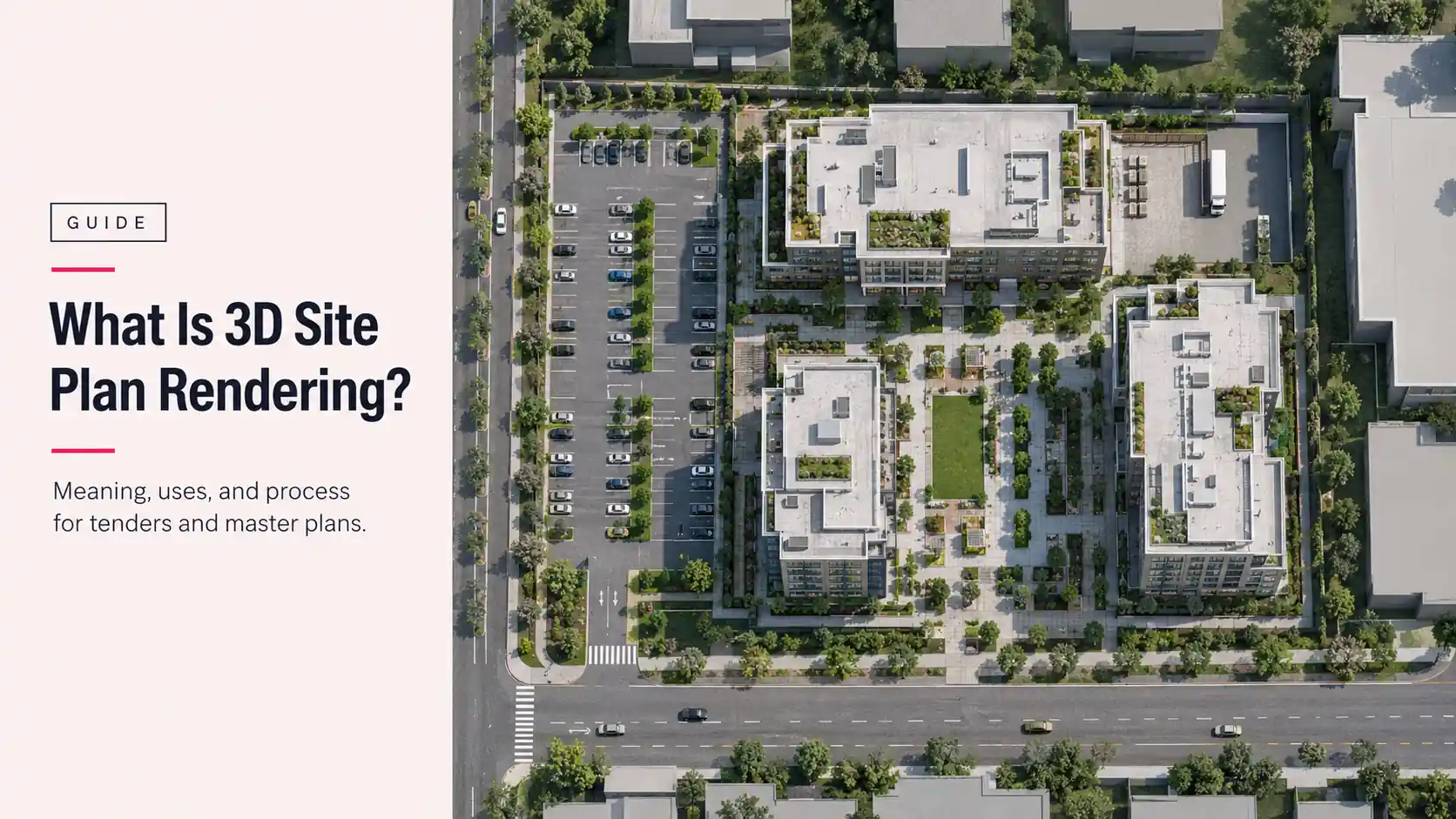
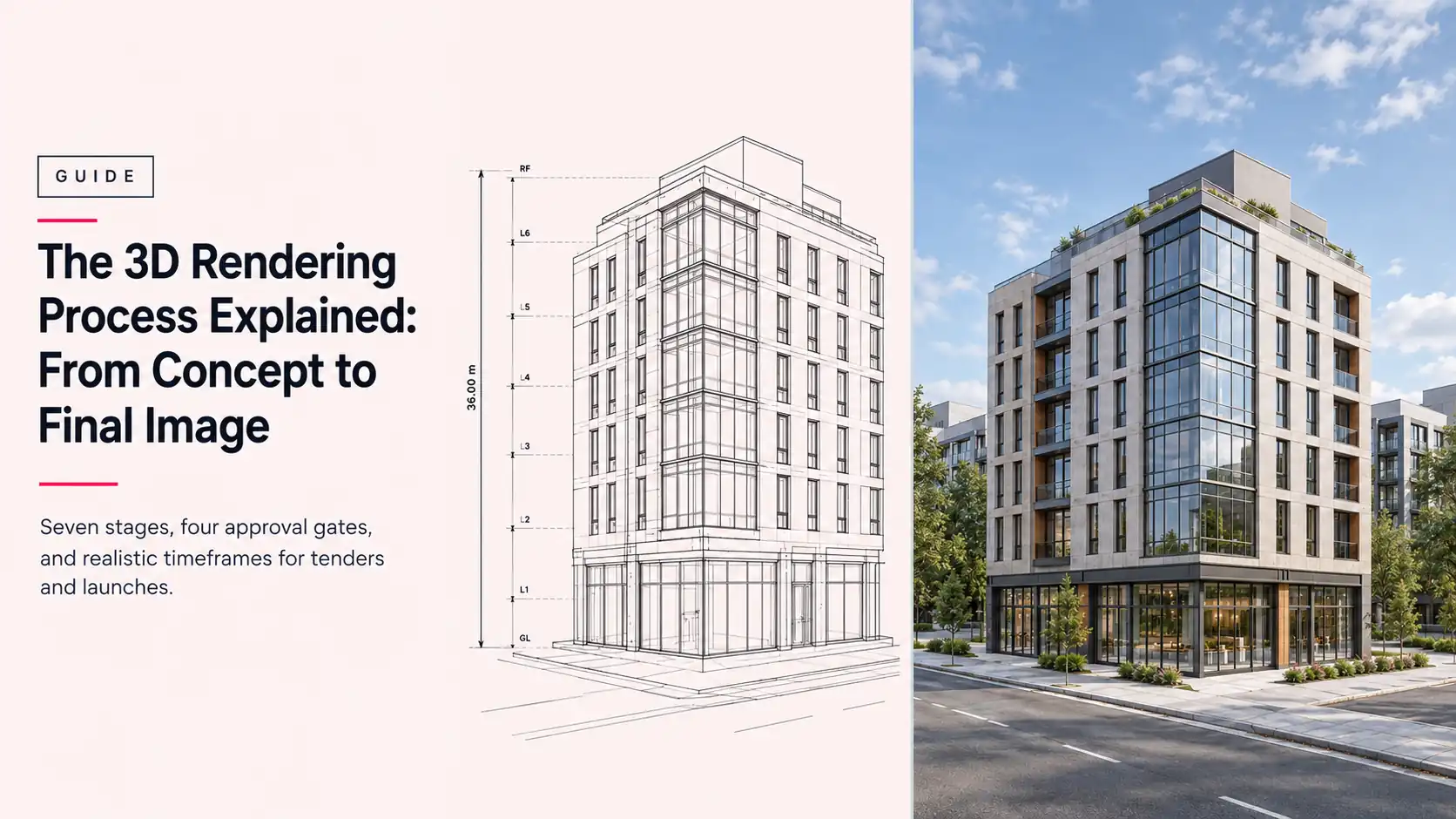
- Pre-completion properties. None of the 10 tools above can market a unit that hasn’t been built yet. The AI stagers and photo editors start from a photo, and the 3D planners give you a layout preview, not a launch-quality render. Marketing an off-plan development before ground is broken is a 3D rendering job, not a photo-editing one.
This is the point where a property marketing agency or a real estate developer typically moves from a free tool to a production partner: not because the free tools are bad, but because the job has changed from “stage one photo” to “deliver a consistent, on-brand, watermark-free set of images across an entire portfolio, on a schedule.” Archvizly works as a confidential, white-label production partner for exactly that scale. Agencies and developers get finished images under their own name, staged consistently across an entire listing set or launch campaign, with no per-export credit system to manage. Our case study on staging a vacant listing portfolio shows what that looks like in practice for a multi-property account.
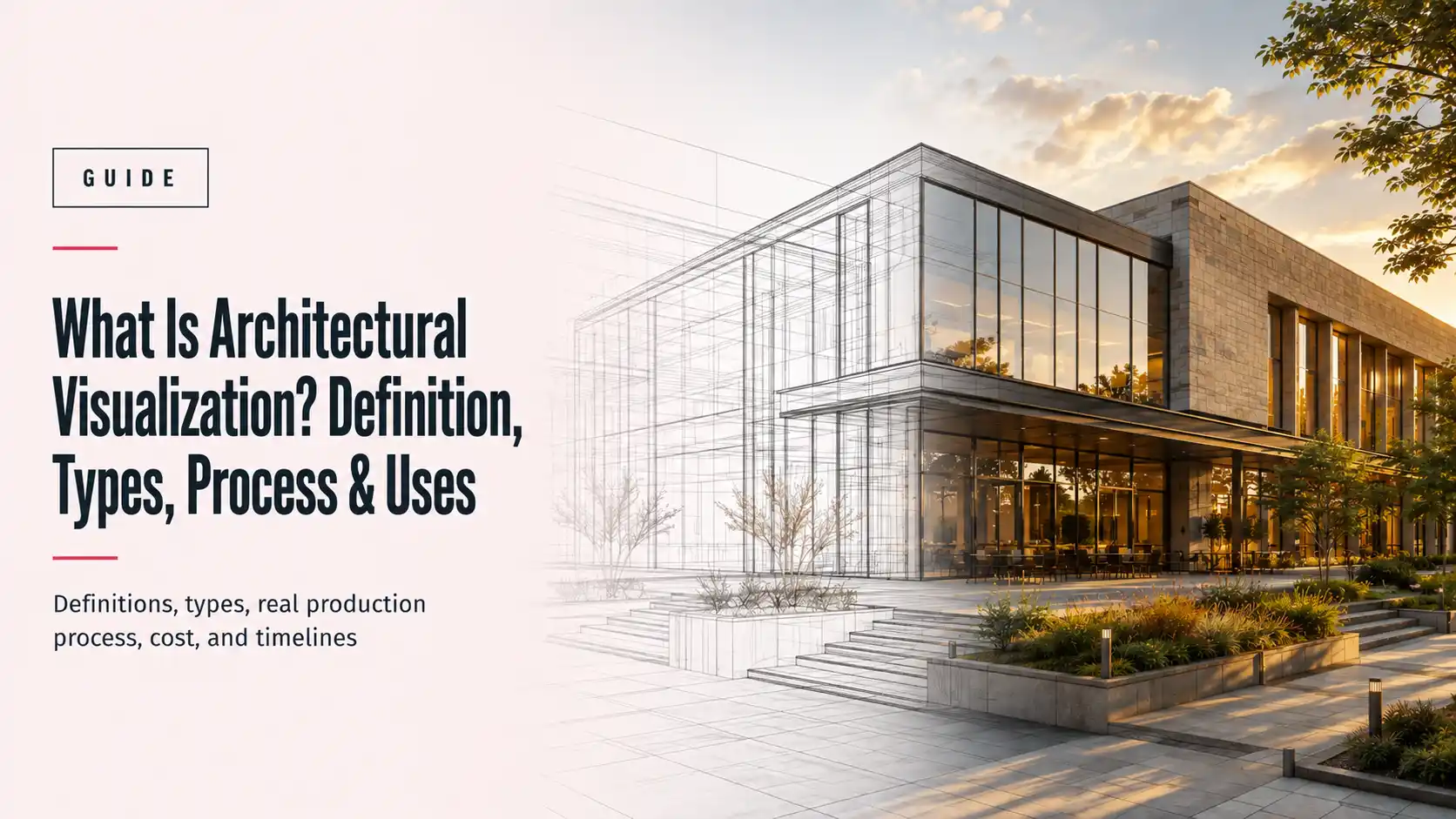
For developments marketing units before construction completes, that same production relationship extends to property CGI and photomontage and full exterior/interior rendering for the sales gallery, since there’s no vacant room to photograph and stage in the first place.
Why You Need a Custom Virtual Staging Service
A free tool picks furniture from a generic library and drops it into your photo. A custom virtual staging service builds the staging around the listing itself: the target buyer, the price point, the architecture, and the light in the photo. The result reads as a real home, not a template.
Here is what a custom service gives you that a free tier does not:
- Style matched to the buyer. A downtown one-bedroom and a suburban family home need different furniture, palettes, and layouts. Custom staging is planned per listing, not generated from a default style.
- Correct scale, light, and shadows. Furniture is sized to the room’s real dimensions, and shadows follow the actual window placement. These are the two tells buyers notice first on free exports.
- One look across the whole listing. Every room in the set shares one furniture style and lighting treatment, so the gallery feels like one home.
- Clean, watermark-free files. You receive finished JPEG or PNG images with no tool branding, ready for the MLS once you add the disclosure label your board requires.
- Human revisions. A person handles your feedback, so you are not re-running credits and hoping the AI lands closer the next time.
Why Choose Archvizly for Virtual Staging Services
Archvizly is a white-label production partner, not a self-serve app. Agencies, developers, and design firms send us the photos, and we return staged images under their own name, with no Archvizly branding on the file. Your client relationship stays yours.
Three reasons teams choose Archvizly over a free tool or a one-off freelancer:
- A production process, not a credit system. Staged sets are delivered as a batch against your campaign or listing deadline, with a defined revision round, instead of one photo at a time through a free-tier interface.
- Consistent quality across accounts. The same technical team handles your portfolio, so a client’s tenth listing matches the first.
- One partner from vacant listing to off-plan. When a unit is not built yet, the same team moves from photo-based staging to property CGI, photomontage, and full 3D rendering, so you do not need a second vendor.
If you are staging more than a handful of listings, or you need consistent, watermark-free images under your own brand, get a quote with your photos and deadline, and we will scope the staging set with you.
Frequently Asked Questions
Is virtual staging allowed on the MLS?
Yes, in nearly every market, as long as the photo is clearly disclosed as virtually staged, usually through a caption or a small on-image label. Check your specific MLS’s photo policy, since exact wording requirements differ by board.
Can buyers tell if a listing photo is virtually staged?
Often, yes. Mismatched shadows, oversized furniture, and slightly warped edges are the usual tells on lower-end free exports. Higher-end AI tools and professional services close most of that gap, but disclosure is required regardless of how convincing the result looks.
Do free virtual staging tools work on vacant listings only?
Most work best on vacant or near-empty rooms. Partially furnished or cluttered rooms are harder for any tool , free or paid, to stage convincingly, since the software has to work around existing objects rather than filling an empty space.
What’s the real difference between free and professional virtual staging?
Free tools trade cost for limits: a watermark, a small number of exports, or a resolution cap. Professional services remove those limits and typically add a human review of lighting, shadow, and furniture-scale accuracy before delivery, at a per-photo price.
How much does professional virtual staging cost?
Published per-image pricing among providers referenced in this article runs roughly from single digits up to around $70-$80, depending on turnaround speed and whether a person reviews the final image. Confirm current rates directly with any provider, since pricing and free-tier terms change.
Can I use a free virtual staging tool for more than one listing?
Usually, yes, until you exhaust the free credit limit, which on most of the tools above is a handful of images. Beyond that, you’re either paying per export or moving to a paid tier or a production partner.
Do virtual staging apps work on a phone, or do I need a desktop?
Several of the tools above, including Homestyler, offer a mobile app alongside their browser version. Manual, drag-and-drop editors like VisualStager and Sweet Home 3D are generally built for a larger desktop screen and are harder to use precisely on a phone.