

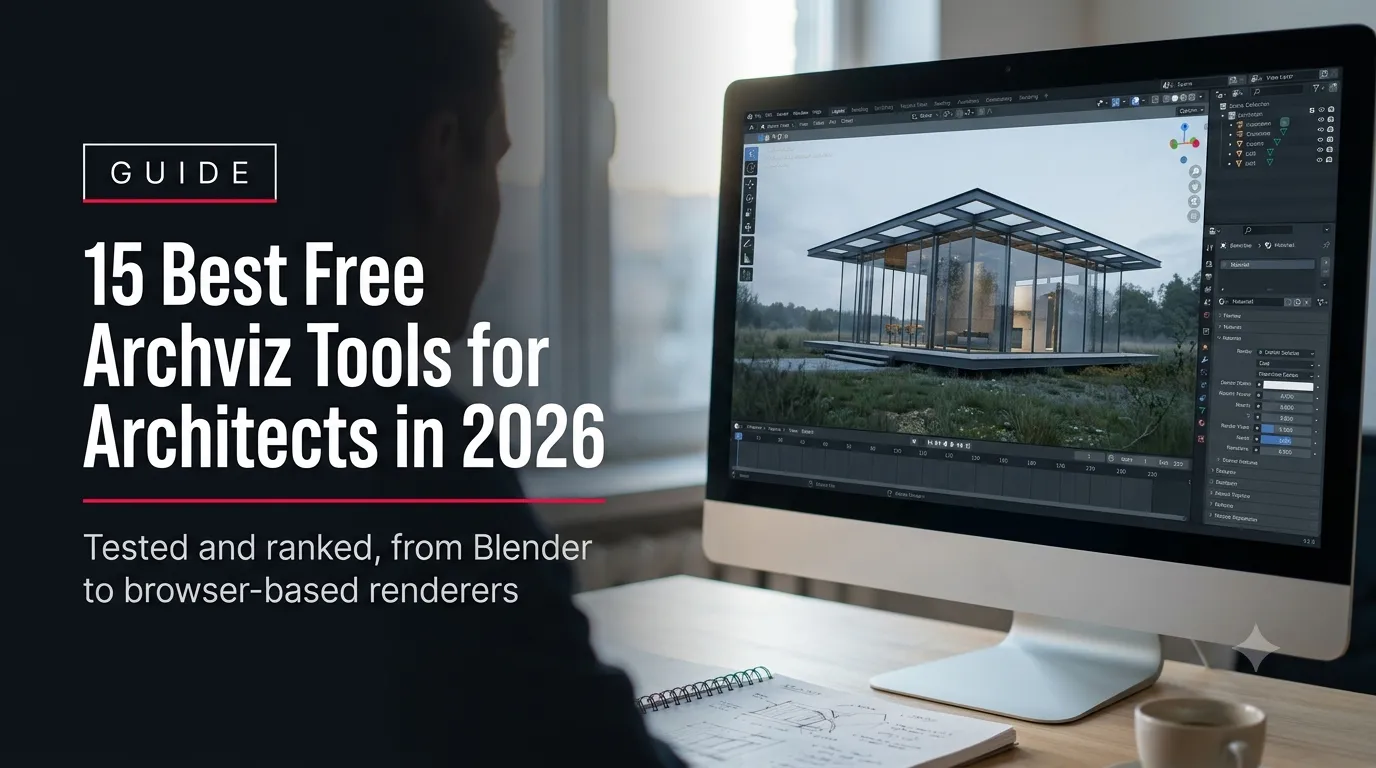
Free archviz tools are 3D modeling, rendering, and visualization applications available at no cost that let architects build, texture, light, and present a building design without a software budget.
Fifteen of them are ranked below by what they’re actually good for — modeling, real-time walkthroughs, physically accurate rendering, quick interior concepts, or browser-based sharing — rather than lumped into one generic “best software” list. Every entry includes what the free tier really includes, where it stops, and whether it’s licensed for commercial client work or personal use only.
That last point matters more than most roundups admit. Several of the tools aon this list — SketchUp Free’s commercial-use restriction, Twinmotion’s revenue cap, D5 Render’s watermark on the free tier — are free to learn on but not free to hand to a paying client without upgrading. The list below flags every one of those limits before a firm builds a submission deadline around a tool that turns out to be personal-use only.
License terms and free-tier limits below were checked directly against each vendor’s current pricing and licensing pages on August 1, 2026. Software pricing changes — Twinmotion and NVIDIA Omniverse both revised their free-tier terms earlier in 2026 — so it’s worth a quick re-check against the vendor’s own page before a firm commits a submission deadline to a specific tool’s license.
Quick Picks: Best Free Archviz Tools by Use Case
| Use Case | Tool | Why |
| Best all-round modeling + rendering | Blender | Full pipeline in one free app — modeling, materials, lighting, and a production-grade renderer, with no license cap. |
| Best for a first project, fastest to learn | SketchUp Free | Browser-based, intuitive push-pull modeling; note the free tier has no commercial-use license. |
| Best free real-time walkthrough engine | Twinmotion | Drag-and-drop materials and lighting on top of imported CAD/BIM models, free for firms under $1M revenue. |
| Best for photorealistic still renders | LuxCoreRender | Open-source, physically based, integrates as a Blender render engine with no output limits. |
| Best for a five-minute client concept share | Spline | Browser-based, link-shareable 3D scenes — no install, no export step, good for early massing conversations. |
How We Evaluated These Tools
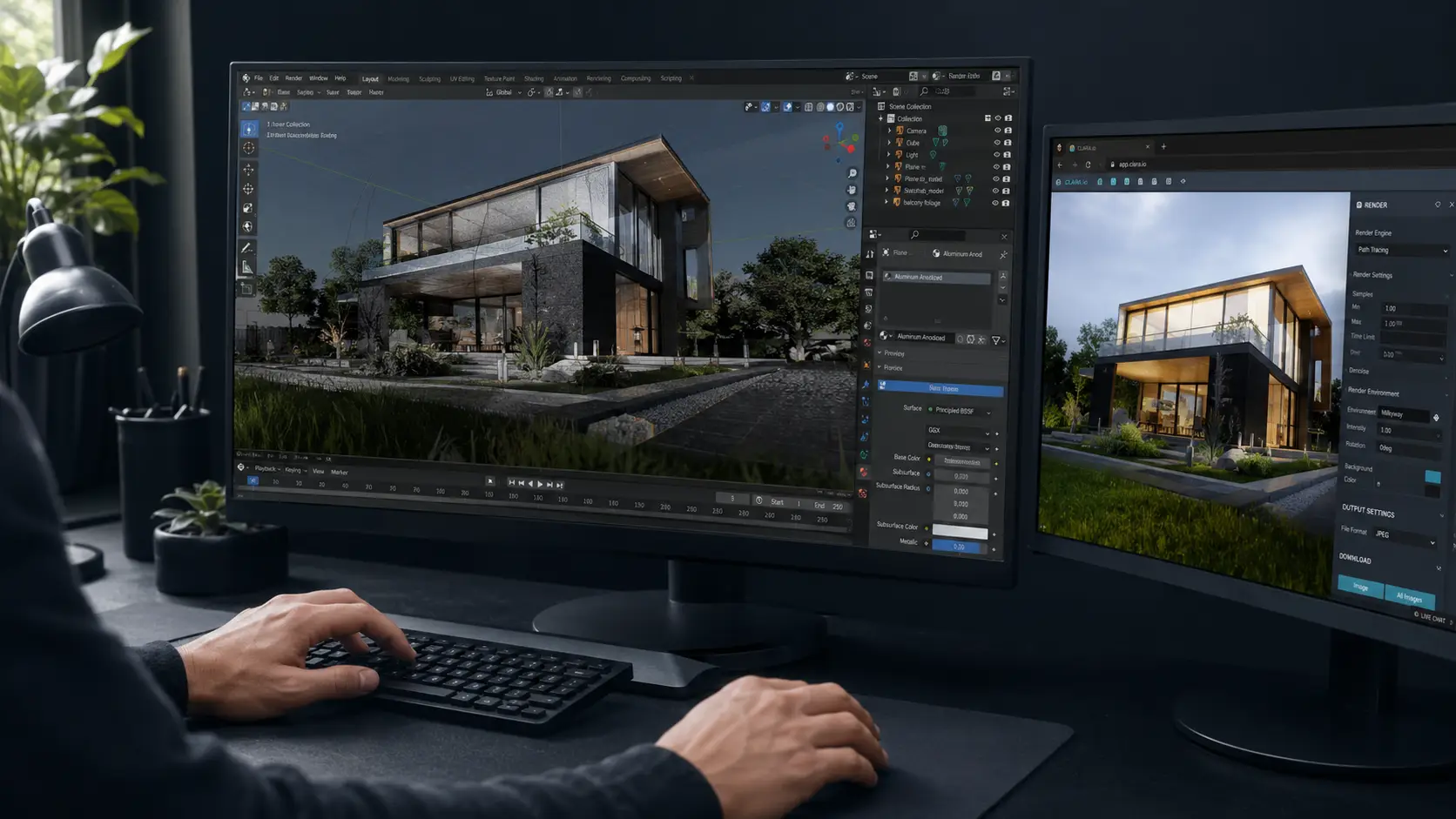
Each tool here was evaluated against four things that matter for architecture work specifically, not general 3D graphics: how accurately it handles real-world scale and CAD/BIM import, what the free tier’s actual license terms and output limits are (not just what the marketing page implies), how fast a new user gets from an empty scene to a usable image, and whether the output is clean enough to put in front of a client without a watermark or resolution cap getting in the way. Where a tool’s free tier has a hard limitation — no commercial license, a revenue cap, a resolution ceiling — that’s stated plainly rather than buried in a footnote.
This list also skips two names that show up constantly in “free architectural visualization software” searches — Enscape and Lumion — because neither has a permanent free tier; both are time-limited trials, covered in the FAQ below. Every tool that did make the cut is either free indefinitely or free under a clearly stated license condition, so this doubles as a working list of free 3D visualization tools that stay free, not ones that stop working in two weeks.
Full 3D Modeling Suites
These are the tools that build the model itself — walls, massing, floor plates, site context — before rendering enters the picture. These three free archviz tools cover that stage — a firm doing early-stage design or CAD/BIM-to-visual work typically starts here.
Blender
Blender is a free, open-source 3D suite that covers modeling, UV texturing, lighting, animation, and two built-in render engines (Eevee for real-time previews, Cycles for physically based final renders) in a single install, with no license fee, no revenue cap, and no watermark at any output resolution. Its license terms are published directly on blender.org.
It imports FBX, OBJ, and glTF cleanly; IFC and DWG/DXF import work through free add-ons rather than a native panel, which is the main friction point for architects coming from Revit or AutoCAD — plan on exporting geometry from the CAD tool first rather than opening BIM files directly in Blender.
Best for: firms willing to spend a few hours on the learning curve in exchange for a rendering engine with no ceiling on output quality or commercial use.
SketchUp Free
SketchUp Free runs entirely in the browser and keeps the same push-pull modeling logic that makes desktop SketchUp familiar to most architecture students and junior staff — no separate install, works from a Trimble ID login.
The free tier has real limits worth planning around: no desktop app, no LayOut for construction documentation, no extensions or plugins, restricted import/export formats, and — the one that catches firms off guard — no commercial-use license. It’s built for learning and personal projects, not for billable client deliverables.
Best for: quick massing studies, teaching, and internal concept sketches. Move to SketchUp Go or Pro before putting a model in front of a paying client.
FreeCAD
FreeCAD is a free, open-source parametric CAD application with an Arch/BIM workbench, making it the closest free equivalent to a Revit-style workflow for firms that need dimensionally accurate, editable building elements rather than freeform surface modeling.
The parametric workflow has a steeper learning curve than SketchUp or Blender, and its rendering output is basic — FreeCAD is a modeling and documentation tool, not a visualization renderer, so most firms pair it with Blender, LuxCoreRender, or a real-time engine for the final image.
Best for: technically accurate massing and early BIM-style modeling on a zero software budget, feeding into a separate rendering tool. Firms that need production-ready output beyond what FreeCAD’s own renderer produces typically hand the model to Archvizly’s architectural modeling service rather than building a render pipeline in-house.
Real-Time Rendering Engines
Real-time engines let a client walk through a design live, moving lights and materials interactively instead of waiting on a render queue — the format most presentation-heavy firms actually want for pitches and design reviews. These four free archviz tools all render as you work, not after.
Twinmotion
Twinmotion is Epic Games’ real-time visualization tool built on Unreal Engine, designed specifically for architecture: import a model from Revit, ArchiCAD, SketchUp, or Rhino, drop in materials and vegetation from its library, and adjust lighting and weather in real time rather than re-rendering after every change.
As of the 2026 licensing update, Twinmotion is free for students, educators, hobbyists, and any company with under $1 million in annual gross revenue — a meaningful cap for a growing studio to track, since crossing it moves the software to a paid seat (current terms on Twinmotion’s official pricing page). Revit users get it free through their Autodesk subscription regardless of firm size.
Best for: live client walkthroughs and interactive design reviews without a separate render wait, for firms under the revenue threshold. Firms that outgrow that threshold, or need a render turned around faster than an in-house seat can manage, are the ones who typically look at Archvizly’s exterior and interior rendering as a production extension instead.
Unreal Engine
Unreal Engine is the free, source-available real-time engine that Twinmotion itself is built on — architects who outgrow Twinmotion’s preset-driven workflow move here for full control over lighting, materials, and interactive elements (walkable VR, configurable finishes, day/night cycles).
The trade-off is setup time: Unreal has no architecture-specific presets out of the box, and building a convincing scene means learning its material and lighting systems from scratch rather than dragging in a pre-made material library. It’s free for architectural visualization use with no revenue cap under Epic’s standard license.
Best for: firms with a dedicated visualization specialist who wants full creative and technical control over an interactive walkthrough.
D5 Render (Community)
D5 Render’s Community edition is a genuinely usable free real-time renderer built for architecture, with a large asset library and a rendering workflow closer to Enscape or Lumion than to Blender or Unreal — import a model, apply materials, adjust lighting, render.
The free tier’s limits are specific: a watermark on every rendered image, resolution capped at 1080p, restricted access to the full asset library, and limited commercial-use rights. Video export is unavailable or heavily restricted depending on version. The paid D5 Pro plan (roughly $360/year at current pricing) removes all three.
Best for: firms that want to trial a fast, architecture-native real-time workflow before committing to a paid renderer — not for watermark-free client deliverables.
Godot
Godot is a free, open-source game engine that can be used as a real-time walkthrough tool, with no architecture-specific material or asset library built in — everything from lighting setups to interaction logic is built by hand through its node-based system.
That flexibility is also the barrier: Godot has none of the drag-and-drop presets that make Twinmotion or D5 approachable, so it suits a firm with an in-house technical hire rather than a design team wanting a quick client walk.
Best for: technically inclined teams that want a fully custom interactive presentation (a configurator, a branching walkthrough) built on a zero-cost, unlimited engine.
Offline / Physically Based Renderers
For a single hero image where photorealistic accuracy matters more than render speed — a competition board, a magazine-quality still — these free archviz tools trade render speed for physical accuracy and generally out-resolve a real-time engine.
LuxCoreRender
LuxCoreRender is a free, open-source, physically based renderer that plugs into Blender as an alternative render engine, using unbiased path-tracing to produce accurate light behavior — reflections, global illumination, material response — without the artistic shortcuts real-time engines rely on.
Render times run longer than a real-time engine by design, which makes it a better fit for a small number of hero stills than for iterating through dozens of design options in a single afternoon.
Best for: a single, high-stakes still image — a tender submission board, a portfolio piece — where render time is a lower priority than physical accuracy.
Kerkythea
Kerkythea is a free, open-source unbiased renderer that’s been in circulation for over a decade, with a smaller but still active user base and material library, and native import support for a range of CAD formats.
It’s less actively developed than LuxCoreRender and has a dated interface, but remains a capable option for firms already comfortable with its older workflow or working from a machine that can’t run newer GPU-accelerated renderers.
Best for: firms on older hardware or already familiar with its workflow from earlier architecture-school training.
NVIDIA Omniverse
NVIDIA Omniverse is a USD-based collaborative pipeline for building and rendering 3D scenes with RTX-accelerated path tracing; as of the 2026 licensing update, it’s free for development, production, and redistribution use, including for individuals, with community support through NVIDIA’s forums and Discord rather than paid enterprise support. Full current terms are on NVIDIA’s Omniverse licensing page.
It’s built around an RTX GPU and a collaborative, multi-application pipeline (bringing in assets from other tools via USD) rather than a single self-contained modeler — the learning curve reflects that, and it suits a firm already running an NVIDIA-accelerated workflow more than a solo user starting from scratch.
Best for: studios with RTX hardware already producing USD-compatible assets who want photoreal, GPU-accelerated output without a license fee.
Interior and Concept Layout Tools
Early concept work — furniture layout, room massing, a client-facing floor plan with a 3D preview — doesn’t always need a full rendering pipeline. These three free archviz tools cover that stage specifically.
pCon.planner
pCon.planner’s free version handles 2D and 3D room layout, wall and opening editing, and furniture placement from a catalog of millions of 3D models through pCon.catalog, with import support for DWG, DWT, DXF, and SKP among other CAD formats.
The free tier does not include export to other file formats or its more advanced rendering features — it’s a layout and space-planning tool first, a rendering tool a distant second. The Pro tier runs about €39/month for firms that need the export and rendering capability.
Best for: fast interior layout and furniture placement in early client conversations, especially where a large object catalog matters.
Sweet Home 3D
Sweet Home 3D is a free, open-source application built specifically for residential floor plans and basic 3D previews — draw walls, place furniture from its catalog, and generate a simple 3D view without a rendering engine behind it.
The output is functional rather than photorealistic; it’s built for speed and clarity in early residential concept sketches, not for a client-facing hero image.
Best for: quick residential floor-plan concepts and internal space-planning checks before a project moves to a full modeling tool.
Planner 5D
Planner 5D combines a browser-based 2D floor planner with a basic 3D view, aimed at fast, shareable concept layouts rather than production rendering — useful for a first client conversation about room arrangement before committing design time.
Its free tier is limited in catalog size and export options compared to its paid subscription, and like the other tools in this category, it’s not a substitute for a proper rendering pipeline once a design firms up.
Best for: a first-pass, client-facing floor plan and massing conversation, shared as a link rather than a file.
Browser-Based, No-Install Tools
No download, no GPU requirement, a shareable link instead of a file to send — these free archviz tools fit the moment right after a design conversation when a client wants to see something today, not next week.
Spline
Spline is a free-tier, browser-based 3D design tool built primarily for product and web design, with a real-time editor and instantly shareable project links — useful for architects who want a fast, interactive massing study a client can rotate in a browser without installing anything.
It’s not an architecture-specific tool — no CAD/BIM import, no material library built for building materials — so it works best for simplified massing and concept forms rather than a detailed, material-accurate model.
Best for: a five-minute, link-shareable massing concept early in a design conversation, not a detailed presentation model.
Homestyler
Homestyler is a free, browser-based interior and exterior design tool with a large furniture and finish catalog, aimed at fast, visually polished concept renders without a local install or a rendering engine to configure.
The trade-off for that convenience is control — material and lighting adjustment is far more limited than in Blender, D5, or Twinmotion, and the output style leans toward consumer-facing marketing visuals rather than technically precise architectural rendering.
Best for: fast, presentable interior concept visuals for early client conversations, where speed matters more than technical rendering control.
Full Comparison: All 15 Free Archviz Tools
| Tool | Category | Free Tier License / Limits | Best For | Learning Curve |
| Blender | Modeling + Rendering | Fully free, no revenue cap, no watermark | Full pipeline, any output resolution | Moderate-High |
| SketchUp Free | Modeling | No commercial-use license; browser-only | Fast massing, learning, personal projects | Low |
| FreeCAD | Modeling (CAD/BIM) | Fully free, open-source | Parametric, dimensionally accurate modeling | High |
| Twinmotion | Real-Time Rendering | Free under $1M annual revenue / hobbyist | Live client walkthroughs | Low-Moderate |
| Unreal Engine | Real-Time Rendering | Free, no revenue cap | Full custom interactive walkthroughs | High |
| D5 Render (Community) | Real-Time Rendering | Watermarked, 1080p cap, limited commercial use | Trialing a fast real-time workflow | Low |
| Godot | Real-Time Rendering | Fully free, open-source | Custom-built interactive presentations | High |
| LuxCoreRender | Offline Rendering | Fully free, open-source, no output limits | Photorealistic hero stills | Moderate |
| Kerkythea | Offline Rendering | Fully free, open-source | Legacy workflow, older hardware | Moderate |
| NVIDIA Omniverse | Offline / Collaborative | Free for dev, production, redistribution (community support) | RTX-accelerated, USD-based studios | High |
| pCon.planner | Interior Layout | Free tier; no export or advanced rendering | Furniture layout, space planning | Low |
| Sweet Home 3D | Interior Layout | Fully free, open-source | Quick residential floor plans | Low |
| Planner 5D | Interior Layout | Free tier; limited catalog and export | First-pass client floor plans | Low |
| Spline | Browser 3D | Free tier; link-shareable | Fast massing concepts, no install | Low |
| Homestyler | Browser 3D | Free tier; limited material control | Polished consumer-style concept visuals | Low |

When Free Tools Aren’t Enough for Client Work
Every tool above earns its place on this list, and a firm can genuinely take a project from first massing to a client-facing walkthrough using nothing but free archviz tools. The limits show up at a specific, predictable point: commercial licensing, output resolution, and consistency across a submission deadline.
SketchUp Free isn’t licensed for commercial work at all. Twinmotion stops being free once a firm crosses $1 million in annual revenue. D5 Render’s Community tier watermarks every image until the Pro plan is purchased. None of that is a problem while a design is still internal — it becomes a problem when a tender submission, a sales gallery launch, or a client presentation is due in 72 hours and the render queue, the license terms, or the in-house team’s bandwidth can’t keep up.
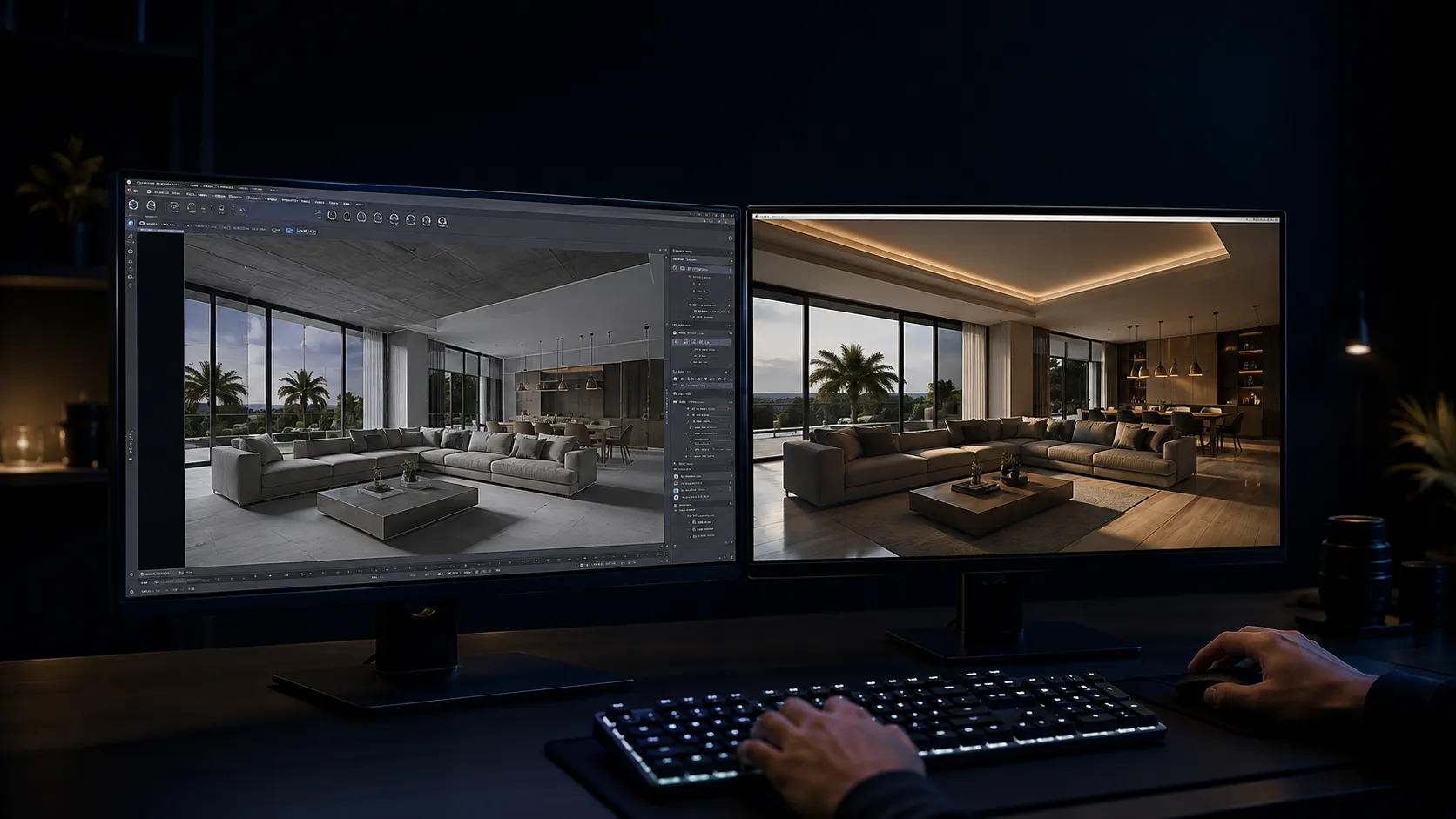
That’s the point where render capacity that scales with a submission deadline — instead of a fixed in-house seat and a software license to track — starts to matter more than which free tool has the best material library. Archvizly works as a white-label production extension for architecture and design firms: the deadlines, the file conventions, and the client relationship stay with the firm; the production capacity scales up or down around it.
A closer look at exactly when that trade-off makes sense — and what it costs against a paid software seat — is covered in Free vs Paid Archviz Software: When Free Tools Aren’t Enough for Client Presentations.
See exterior and interior rendering turnaround times →
FAQ
Is Blender good enough for professional architectural visualization?
Yes. Blender’s Cycles renderer is physically based and produces output comparable to paid renderers; the main cost is time spent learning its interface and, for BIM-heavy workflows, exporting geometry from Revit or ArchiCAD before bringing it in.
Can I use SketchUp Free for paid client work?
No. SketchUp Free’s license covers personal and learning use only — there is no commercial-use license at that tier. Firms billing client work need SketchUp Go or Pro.
What’s the best free renderer for photorealistic architecture images?
LuxCoreRender, used as a Blender render engine, produces the most physically accurate output of the fully free options on this list, at the cost of longer render times than a real-time engine.
Are Enscape and Lumion free?
No, not permanently. Both offer time-limited trials (commonly 14 days for Enscape, 10 days for Lumion) rather than an ongoing free tier, which is why neither appears in the main list above.
Which free tool has the shortest learning curve for a new user?
SketchUp Free, D5 Render’s Community edition, and the browser-based tools (Spline, Homestyler) are the fastest to a usable result. Blender, Unreal Engine, and FreeCAD take longer to learn but remove more limits once mastered.
Do free archviz tools handle Revit or BIM files directly?
Rarely as a native import. Most free tools work from FBX, OBJ, or glTF exported out of the BIM software; FreeCAD’s Arch/BIM workbench and Twinmotion’s direct plugin support are the closest exceptions.
When does it make sense to move from free tools to a paid renderer or a production partner?
When a project’s deadline, resolution requirement, or commercial-use terms exceed what the free tier allows — covered in more detail in the linked comparison article above.
Takeaways: Choosing a Free Archviz Tool
- Match the tool to the stage of the project, not the other way around — modeling, real-time walkthrough, offline hero render, and interior concept are different jobs with different free archviz tools.
- Check the license before committing a submission deadline to a tool: SketchUp Free has no commercial license, Twinmotion caps at $1M revenue, D5 Render Community watermarks output.
- Pair a modeler (Blender, FreeCAD, SketchUp) with a dedicated renderer (LuxCoreRender, Twinmotion, D5) rather than expecting one free tool to do both well.
- Use browser-based tools (Spline, Homestyler) for same-day concept sharing, not final deliverables.
- Revisit the free-vs-paid decision once a project’s deadline, resolution, or commercial-use needs outgrow what a free tier allows.